Is Epson An Inkjet Printer?
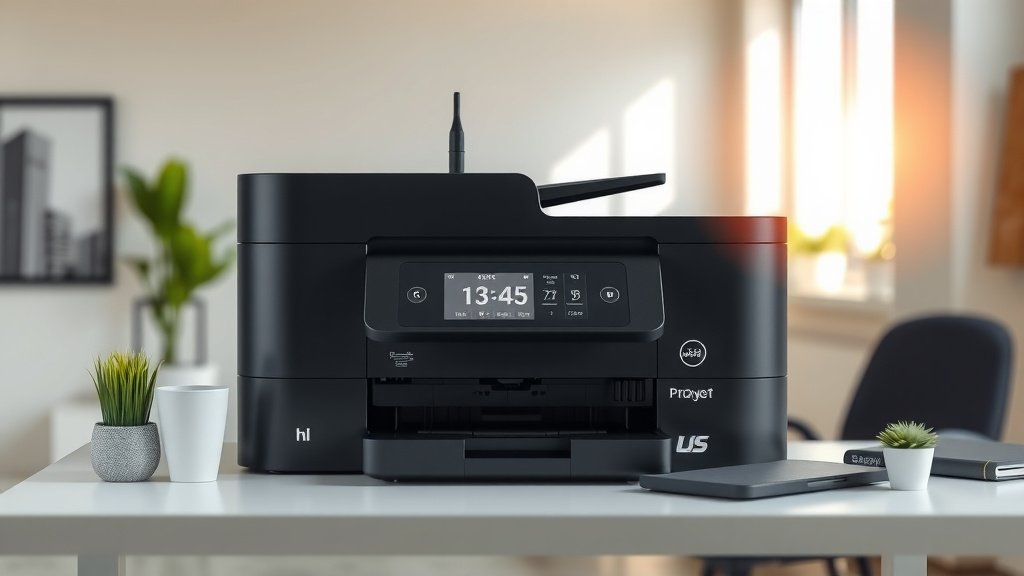
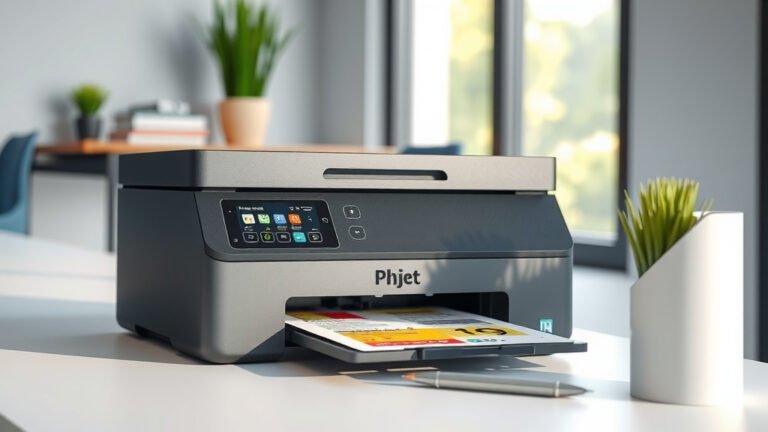
Yes, Epson is definitely an inkjet printer brand. The company makes some of the most popular inkjet printers on the market today.
Epson specializes in inkjet printing technology and offers models for home users, small offices, and large businesses.
What Type of Printer Technology Does Epson Use?
Epson builds almost all of their printers using inkjet technology. This means they spray tiny droplets of liquid ink onto paper to create text and images.
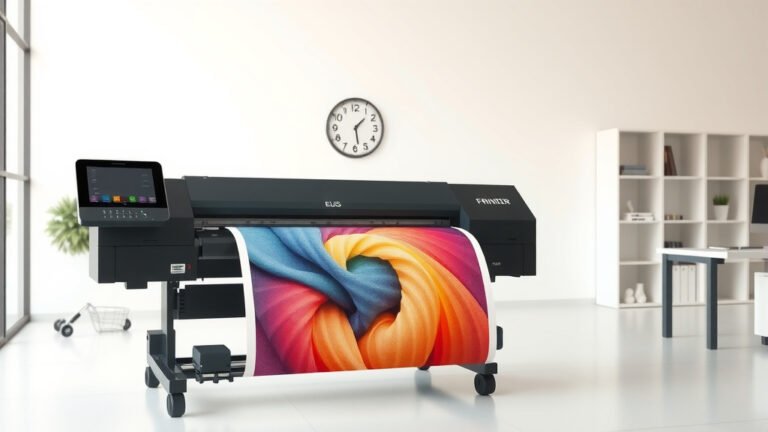
You’ll find Epson inkjet printers in three main categories. They make basic home printers for everyday printing. They also create photo printers that produce stunning picture quality. Plus, they build large-format printers for professional graphics work.
How Epson Inkjet Technology Works
Epson uses a special method called piezoelectric inkjet printing. Think of it like a tiny hammer hitting the ink to push it through microscopic nozzles.
This system works differently from other brands. Instead of heating the ink, Epson uses electric pulses to create pressure. The pressure forces ink droplets onto your paper with amazing accuracy.
Benefits of Epson’s Piezoelectric System
This technology gives you several advantages. The ink doesn’t get heated, so it lasts longer in the cartridges. You also get more precise droplet placement, which means sharper text and better photos.
I found that many printing experts praise this system for its reliability. The print heads typically last much longer than thermal inkjet systems used by other companies.
Popular Epson Inkjet Printer Models
Epson makes dozens of inkjet printer models. Here are some of their most well-known lines that you might recognize.
EcoTank Series
The EcoTank printers are Epson’s refillable ink tank models. Instead of small cartridges, these printers have large tanks you can refill with bottles of ink.
You can print thousands of pages before needing to add more ink. This makes them perfect if you print a lot at home or in a small office.
EcoTank Model Examples
- ET-2720 – Basic home printing and scanning
- ET-4760 – All-in-one with automatic document feeder
- ET-15000 – Wide-format printing up to 13×19 inches
Expression Series
Expression printers focus on photo quality and creative projects. These inkjet models use multiple ink colors to create vibrant prints.
Many photographers and artists choose Expression printers for their color accuracy. You can print professional-quality photos at home.
Expression Features You’ll Love
These printers often include six or more ink colors instead of the standard four. The extra colors help create smoother gradients and more realistic skin tones in photos.
Some models can print on different paper sizes, from small 4×6 photos up to large 13×19 prints.
WorkForce Series
WorkForce printers target business and office users. They’re built to handle higher print volumes while keeping costs reasonable.
These inkjet printers typically print faster than home models. They also include features like automatic two-sided printing and large paper trays.
Does Epson Make Laser Printers Too?
Yes, Epson does make some laser printers, but they’re much less common. The company focuses primarily on inkjet technology.
Their laser printer selection is quite small compared to their inkjet lineup. Most people know Epson for their inkjet innovations, not laser printing.
Why Epson Focuses on Inkjet
Epson has spent decades perfecting inkjet technology. They’ve built their reputation on delivering excellent photo quality and reliable performance with liquid ink systems.
From what I researched, Epson believes inkjet technology offers more versatility. You can print photos, documents, and graphics all with the same printer type.
Comparing Epson to Other Inkjet Brands
How does Epson stack up against other inkjet printer companies? Let’s look at the main differences you should know about.
| Feature | Epson | Canon | HP |
|---|---|---|---|
| Ink Technology | Piezoelectric | Thermal Bubble | Thermal Inkjet |
| Photo Quality | Excellent | Excellent | Good |
| Ink Cost | Low (EcoTank) | Medium | High |
| Print Speed | Medium | Medium | Fast |
Epson’s Strengths in Inkjet Printing
Epson really shines in photo printing quality. Their piezoelectric technology creates incredibly fine detail in images.
The EcoTank system also gives Epson a big advantage in ink costs. You’ll spend much less on ink over time compared to traditional cartridge systems.
Areas Where Competitors Excel
Some other brands print text documents faster than Epson models. HP printers often have quicker first-page-out times for basic documents.
Canon sometimes offers more compact designs for home users who need to save space.
What Ink Types Do Epson Printers Use?
Epson inkjet printers use several different ink formulations depending on the model and intended use.
Dye-Based Inks
Most Epson home printers use dye-based inks. These inks dissolve completely in liquid, creating vibrant colors and smooth gradients.
Dye inks work great for photos and colorful graphics. They produce the bright, vivid colors you want in family pictures and creative projects.
Dye Ink Limitations
These inks can fade over time, especially when exposed to direct sunlight. They’re also more likely to smudge if they get wet.
Pigment-Based Inks
Higher-end Epson printers often use pigment inks. These contain tiny particles suspended in liquid rather than dissolved dyes.
Pigment inks last much longer without fading. They’re also waterproof once dry, making them perfect for important documents.
When to Choose Pigment Inks
Pick pigment-based Epson printers if you need archival quality prints. Professional photographers and artists often prefer these for gallery displays or portfolio work.
Setting Up Your Epson Inkjet Printer
Getting your new Epson inkjet printer ready is pretty straightforward. Here’s what you need to do first.
Initial Setup Steps
Remove all the protective tape and packaging materials. Epson puts orange tape on many parts to prevent damage during shipping.
Install the ink cartridges or fill the ink tanks if you have an EcoTank model. The printer will run an initial charging cycle to fill the internal tubes with ink.
Connecting to Your Computer
You can connect most Epson printers using USB, WiFi, or Ethernet. WiFi connection lets you print from phones and tablets too.
Download the Epson software from their website for the best experience. The basic drivers that come with your computer might not include all features.
First Print Test
Always print a test page after setup. This helps you check that all colors are printing correctly and the alignment looks good.
If the test page shows streaks or missing colors, run the automatic head cleaning function from your printer’s menu.
Maintaining Your Epson Inkjet Printer
Regular maintenance keeps your Epson inkjet printer working smoothly for years. Most tasks only take a few minutes.
Regular Cleaning Tasks
Clean the paper path monthly to remove dust and paper fibers. Use a lint-free cloth slightly dampened with water.
Run the automatic print head cleaning cycle if you notice any print quality issues. Don’t overdo this though – it uses ink each time.
Preventing Common Problems
Print something at least once a week to keep the ink flowing. Inkjet printers can develop clogs if they sit unused for long periods.
Store paper in a dry place and only load what you’ll use soon. Humid or curled paper can cause jams and poor print quality.
Conclusion
Epson is definitely an inkjet printer company, and they’re one of the best in the business. Their piezoelectric technology delivers outstanding photo quality and reliable performance across their entire product line.
Whether you need a basic home printer, a high-volume office machine, or a professional photo printer, Epson has an inkjet model that fits your needs. Their EcoTank system makes them especially appealing if you want to save money on ink costs over time.
The company’s focus on inkjet innovation has made them a trusted choice for millions of users worldwide. You can feel confident choosing an Epson inkjet printer for your home or office.
Can I use third-party ink cartridges in my Epson inkjet printer?
Yes, you can use compatible third-party cartridges, but quality varies significantly between manufacturers. Some work perfectly while others may cause print quality issues or damage your printer. Epson’s warranty doesn’t cover problems caused by non-genuine cartridges.
How long do Epson inkjet printers typically last?
Most Epson inkjet printers last 3-5 years with regular home use, or 2-3 years in busy office environments. The piezoelectric print heads are quite durable, but paper feed mechanisms and other moving parts wear out over time with heavy use.
Why does my Epson printer use ink even when I’m not printing?
Epson printers automatically perform maintenance cycles to prevent the print heads from drying out and clogging. These cleaning cycles happen periodically and use small amounts of ink to keep the nozzles clear and ready for your next print job.
What’s the difference between Epson’s standard cartridges and XL cartridges?
XL cartridges contain significantly more ink than standard cartridges but fit in the same printer slots. They cost more upfront but offer better value per page printed. XL cartridges are perfect if you print frequently and want fewer cartridge changes.
Can Epson inkjet printers print on specialty papers like canvas or vinyl?
Many Epson inkjet printers can handle specialty media, but you need to check your specific model’s capabilities. Higher-end models like the Expression and SureColor series support various art papers, canvas, and even fabric printing with the right ink and paper combinations.