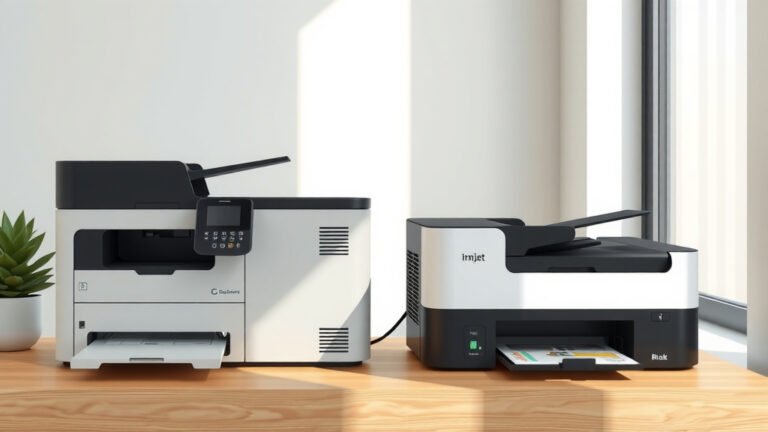
Is Inkjet Or Laser Printer Better?
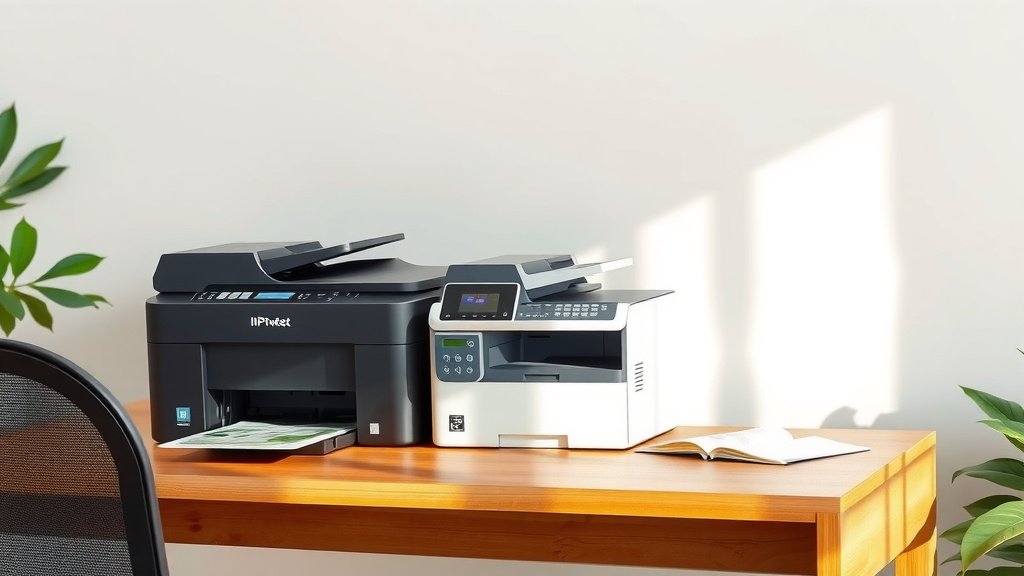
Laser printers are better for high-volume text printing, while inkjet printers excel at photo printing and color documents with lower upfront costs.
Your choice between inkjet or laser printer depends on what you print most often, how much you print, and your budget for both initial purchase and ongoing ink or toner costs.
Quick Answer: Which Printer Type Wins?
You’re shopping for a printer and wondering which technology serves you best. Let me cut straight to what matters.
Laser printers dominate office environments. They print text documents faster and cheaper per page. Inkjet printers shine in homes where you print photos, colorful graphics, and don’t need speed.
Think of it like choosing between a pickup truck and a sports car. Both get you places, but each excels in different situations.
Cost Comparison: Upfront vs Long-Term
Money talks when choosing printers. You’ll face two cost categories: what you pay today and what you pay monthly.
Initial Purchase Price
Inkjet printers cost less upfront. You can grab a decent home inkjet for $50 to $150. Basic laser printers start around $100 to $200.
Color laser printers cost significantly more. Expect $200 to $500 for home models. Professional color lasers reach $1,000 or more.
Cost Per Page Reality Check
Here’s where laser printers flip the script. Research shows laser printers cost 2 to 5 cents per black and white page. Inkjet printing runs 5 to 10 cents per page.
Color printing widens this gap. Laser color pages cost 8 to 12 cents. Inkjet color pages can hit 15 to 25 cents each.
| Print Type | Laser Cost Per Page | Inkjet Cost Per Page |
|---|---|---|
| Black Text | 2-5 cents | 5-10 cents |
| Color Documents | 8-12 cents | 15-25 cents |
| Photo Prints | 15-20 cents | 20-30 cents |
Print Quality: When Details Matter
Quality means different things for different print jobs. Your newsletter needs crisp text. Your vacation photos need rich colors.
Text Document Quality
Laser printers create sharper text. The toner bonds with paper using heat, creating precise edges. You’ll notice cleaner lines in small fonts and fine details.
Inkjet text looks good but can appear slightly fuzzy under magnification. The liquid ink spreads slightly into paper fibers.
Photo and Color Printing
Inkjet printers win the photo contest hands down. They blend colors smoothly and handle gradients beautifully. Modern inkjet photo prints rival traditional darkroom quality.
Color laser printers produce excellent business graphics and charts. But they struggle with photo-realistic images and smooth color transitions.
Paper Handling Differences
Inkjet printers work with more paper types. You can print on photo paper, canvas, fabric, and specialty materials. They handle different thicknesses better.
Laser printers prefer standard paper weights. The heat process can warp very thin papers or melt certain coatings.
Speed and Volume: How Much Do You Print?
Print speed matters when you’re rushing to meet deadlines or printing large projects.
Pages Per Minute Comparison
Laser printers print faster once they warm up. Basic models print 20 to 30 pages per minute. High-end office lasers reach 50+ pages per minute.
Inkjet printers vary widely. Budget models crawl at 5 to 10 pages per minute. Premium inkjets reach 15 to 25 pages per minute for text.
Monthly Volume Recommendations
Consider your monthly printing habits. Inkjet printers work well for homes printing 50 to 300 pages monthly. Beyond that, laser printers become more economical.
Office environments printing 500+ pages monthly benefit from laser technology. The per-page savings add up quickly.
Reliability and Maintenance
Nobody wants printer headaches. Both technologies have maintenance quirks you should know about.
Inkjet Maintenance Issues
Inkjet printers need regular use. Ink dries in the print heads if you don’t print for weeks. This causes clogged nozzles and streaky prints.
You’ll run cleaning cycles that waste ink. Some users print a test page weekly just to keep ink flowing.
Laser Printer Durability
Laser printers handle neglect better. Toner doesn’t dry out like ink. You can leave them unused for months without problems.
They have more moving parts, though. Drums, fusers, and rollers eventually need replacement. These repairs cost more than inkjet fixes.
Environmental Factors
Heat affects both printer types differently. Laser printers generate heat during printing but handle warm environments well. Inkjet printers prefer moderate temperatures and can struggle in very hot or cold spaces.
Which Printer Type Fits Your Needs?
Let’s match printer types to real-world situations. Your printing habits determine the best choice.
Choose Inkjet If You:
- Print fewer than 200 pages monthly
- Need excellent photo quality
- Print on various paper types
- Want lower upfront costs
- Print occasionally rather than daily
Choose Laser If You:
- Print more than 300 pages monthly
- Focus on text documents
- Need fast printing speeds
- Want lower per-page costs
- Print regularly for business
Special Situations
Students often benefit from laser printers. You’ll print lots of papers and research documents. The per-page savings matter on a tight budget.
Creative professionals need inkjet capabilities. Graphic designers, photographers, and artists require accurate color reproduction.
Technology Trends and Future
Printer technology keeps improving. Recent advances affect both inkjet and laser options.
Ink Tank Systems
New inkjet printers use refillable ink tanks instead of cartridges. This dramatically lowers printing costs. Some tank systems rival laser printers for cost per page.
You buy ink bottles and refill tanks yourself. It’s messier but much cheaper for high-volume printing.
Laser Printer Improvements
Modern laser printers start up faster and use less energy. Some models print the first page in under 10 seconds from sleep mode.
Color laser quality has improved significantly. While still not matching inkjet photos, they handle business graphics beautifully.
Environmental Impact
Your printer choice affects the environment. Both technologies have ecological trade-offs.
Energy Consumption
Inkjet printers use less energy overall. They don’t need heating elements like laser printers. This matters if you print frequently.
Laser printers consume more power during printing but use minimal standby power. The total energy depends on your printing patterns.
Consumables and Waste
Ink cartridges create plastic waste but are often recyclable. Many manufacturers offer return programs.
Toner cartridges are larger and contain more plastic. But they last longer, potentially creating less waste per page printed.
Making Your Final Decision
You now have the facts to choose confidently. Consider your specific situation rather than general advice.
Calculate your monthly printing costs for both options. Include ink or toner, plus the printer’s purchase price spread over two years.
Test print quality at office stores if possible. See how each technology handles your typical documents.
Remember that the “best” printer is the one that fits your actual needs, not necessarily the most advanced or cheapest option.
Conclusion
Choosing between inkjet or laser printer comes down to matching technology to your specific needs. Laser printers excel at high-volume text printing with lower per-page costs and faster speeds. Inkjet printers shine for photo printing, color documents, and situations where upfront cost matters more than long-term expenses.
Your decision should reflect your actual printing habits, not what you think you might print someday. Count your monthly pages, consider your quality needs, and calculate total costs over time. Both technologies have evolved significantly and can serve you well when matched properly to your requirements.
Can I use third-party ink or toner to save money?
Yes, but quality varies significantly between suppliers. Third-party consumables can save 50-70% on costs but may produce inferior print quality or cause printer problems. Research reputable aftermarket suppliers and avoid the cheapest options that often clog print heads or damage printers.
How long do ink cartridges last compared to toner cartridges?
Toner cartridges typically print 1,000-5,000 pages depending on the model. Standard ink cartridges print 200-500 pages, while high-yield cartridges reach 600-1,200 pages. Toner doesn’t dry out over time, but ink cartridges can become unusable if stored too long without use.
Do laser printers work well for home use?
Modern laser printers work excellently for homes that print regularly. They’ve become quieter, more compact, and energy-efficient. Choose laser for home use if you print school papers, work documents, or need fast printing speeds regularly.
Which printer type handles different paper sizes better?
Inkjet printers generally handle paper size variety better, including large format printing up to 13×19 inches or larger on some models. Most home laser printers max out at 11×17 inches. Inkjets also work better with specialty papers like photo paper, canvas, and cardstock.
What happens if I don’t print for several months?
Laser printers handle long periods without printing much better than inkjets. Toner stays fresh indefinitely. Inkjet printers may develop clogged print heads if unused for 2-4 weeks, requiring cleaning cycles that waste ink. Some newer inkjets have better clog resistance, but regular use remains important.