What Is An Inkjet Printer?
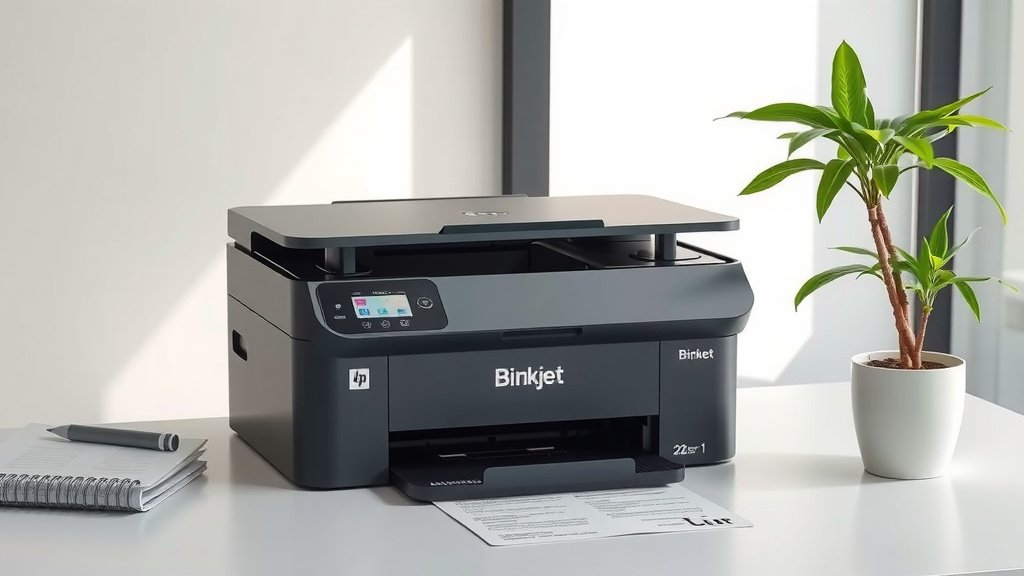
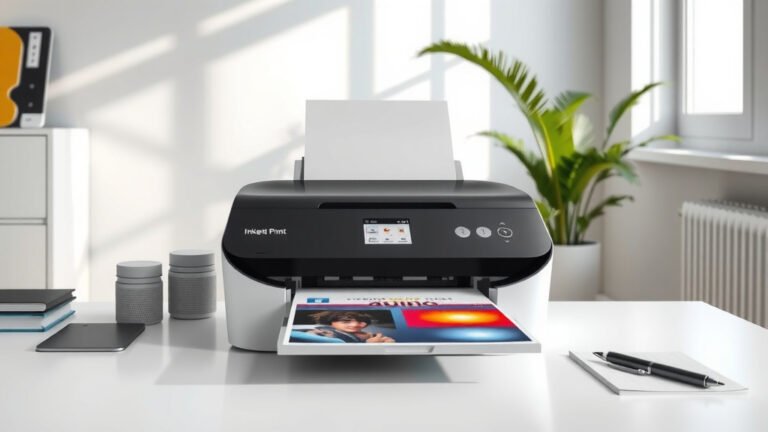
An inkjet printer is a type of computer printer that creates images and text by spraying tiny droplets of liquid ink onto paper through microscopic nozzles.
These printers work by heating ink or using piezoelectric crystals to force ink droplets through print heads, making them popular for home and office use due to their affordability and versatility.
You’ve probably used an inkjet printer before, but do you really know how this amazing machine works? Let me walk you through everything you need to know about inkjet printers, from their basic operation to choosing the right one for your needs.
How Inkjet Printers Actually Work
Think of an inkjet printer like a super precise paint sprayer. Instead of covering a wall, it covers paper with millions of tiny ink dots that form your text and images.
The magic happens in the print head. This component contains hundreds or thousands of microscopic nozzles, each smaller than a human hair. When you hit print, your computer sends digital instructions to the printer about where each color should go.
The Two Main Inkjet Technologies
I found that inkjet printers use two primary methods to shoot ink onto paper. Each has its own strengths.
Thermal Inkjet Technology
This method heats the ink to create vapor bubbles. When the bubble pops, it pushes ink through the nozzle onto paper. HP and Canon commonly use this technology.
The heating happens incredibly fast – we’re talking microseconds. That’s why your printer can create sharp, detailed images so quickly.
Piezoelectric Inkjet Technology
This approach uses tiny crystals that change shape when electricity hits them. The crystal movement creates pressure that forces ink through the nozzles. Epson is famous for this technology.
Many experts say piezoelectric systems last longer because they don’t rely on heat, which can wear out components faster.
Types of Inkjet Printers You Can Buy
Not all inkjet printers are created equal. Let me break down the main types you’ll find in stores.
Single Function Inkjet Printers
These printers do one thing well: print. If you just need basic printing for documents or photos, this simple option saves money and desk space.
You’ll find these models starting around $30 to $50. They’re perfect for students or anyone with basic printing needs.
All-in-One Inkjet Printers
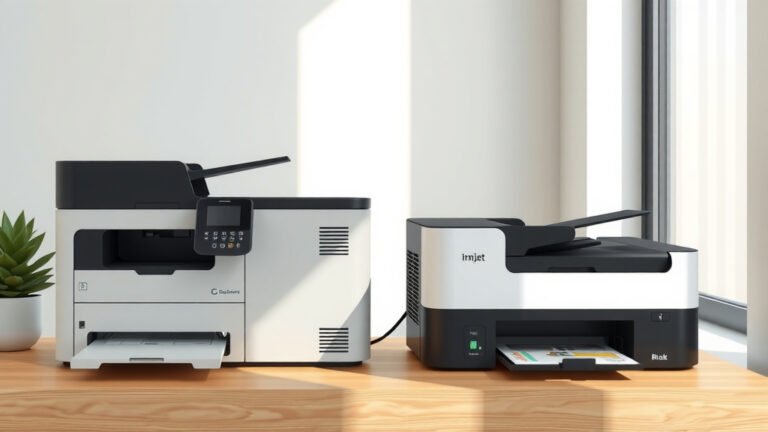
Also called multifunction printers, these machines print, scan, copy, and often fax too. You get multiple office machines in one compact unit.
From what I read, most people prefer all-in-ones for home offices because they handle various tasks without buying separate equipment.
Photo Inkjet Printers
These specialized printers focus on creating high-quality photo prints. They often use six or more ink colors instead of the standard four.
Professional photographers and serious photo enthusiasts love these printers because they produce gallery-quality prints at home.
Wide Format Inkjet Printers
Need to print posters, banners, or architectural drawings? Wide format printers handle paper sizes up to 44 inches or larger.
These printers cost more but they’re essential for graphic designers, architects, and businesses that create large-format marketing materials.
Inkjet Printer Components and Parts
Understanding your printer’s main parts helps you maintain it better and troubleshoot problems.
Print Head Assembly
This is your printer’s brain and muscle combined. The print head contains all those microscopic nozzles and the electronics that control them.
Some printers have removable print heads you can replace. Others integrate the print head into the printer permanently.
Ink Cartridges and Tanks
Your printer’s fuel source comes in different formats. Traditional cartridges snap into the printer and contain both ink and sometimes part of the print head.
Newer tank systems let you refill ink reservoirs, which costs less per page. I found online that tank systems can reduce printing costs by up to 90% compared to cartridges.
Paper Feed System
This mechanism grabs paper from the tray and moves it through the printer at exactly the right speed. Timing matters because the print head needs to hit the paper at precise moments.
Quality paper feed systems prevent jams and ensure straight, aligned prints every time.
Control Panel and Connectivity
Modern inkjet printers offer various ways to connect and control them. You might find USB ports, Wi-Fi, Ethernet, and even Bluetooth options.
Touchscreen control panels make it easy to adjust settings, view ink levels, and start print jobs without using your computer.
Advantages of Inkjet Printers
Why do millions of people choose inkjet printers? Let me share the key benefits I’ve researched.
Affordable Initial Cost
You can buy a decent inkjet printer for under $100. That low entry price makes them accessible to almost everyone.
Even high-end photo printers cost less than most laser printers with similar capabilities.
Excellent Photo Quality
Inkjet printers excel at printing photos because they can create smooth color gradations and fine details. The liquid ink blends beautifully on photo paper.
Many experts say modern inkjet photo prints can last decades without fading when using quality ink and paper.
Versatile Media Handling
These printers work with various paper types, from regular copy paper to thick cardstock, envelopes, and specialty photo papers.
You can even print on fabric, transparencies, and other materials with the right inkjet printer.
Compact Size Options
Need a printer for a small space? Inkjet printers come in ultra-compact sizes that fit on any desk or shelf.
Portable inkjet printers let you print photos directly from your phone while traveling.
Disadvantages to Consider
Inkjet printers aren’t perfect. Here are the main drawbacks you should know about.
Higher Long-Term Costs
While the printer costs less upfront, ink cartridges can be expensive. Some cartridges cost almost as much as the printer itself.
I came across studies showing that ink can cost more per ounce than expensive perfume when you buy name-brand cartridges.
Slower Text Printing
If you print lots of text documents, inkjet printers typically work slower than laser printers. The detailed printing process takes time.
Most inkjet printers handle 10-15 pages per minute for black text, while laser printers often exceed 20 pages per minute.
Ink Drying and Clogging
Don’t use your inkjet printer for weeks? The ink can dry in the nozzles, causing clogs that affect print quality.
Regular cleaning cycles help, but they also waste ink. You need to print something at least weekly to keep your printer healthy.
Inkjet vs Laser Printers
Should you choose inkjet or laser? The answer depends on your specific needs and printing habits.
| Feature | Inkjet Printer | Laser Printer |
|---|---|---|
| Initial Cost | Lower ($30-$300) | Higher ($100-$500+) |
| Cost Per Page | Higher (3-15 cents) | Lower (2-5 cents) |
| Photo Quality | Excellent | Poor to Fair |
| Text Speed | Slower | Faster |
| Size | More Compact Options | Usually Larger |
Choose Inkjet If You
- Print photos regularly
- Have a limited budget for the initial purchase
- Print less than 100 pages per month
- Need a compact printer for small spaces
- Print on various paper types and materials
Choose Laser If You
- Print mostly text documents
- Print more than 200 pages monthly
- Want faster printing speeds
- Rarely print photos
- Don’t mind a larger, heavier printer
How to Choose the Right Inkjet Printer
Ready to buy an inkjet printer? Let me guide you through the decision process step by step.
Determine Your Printing Volume
How many pages do you print each month? This number affects which features matter most and helps you calculate long-term costs.
Light users (under 50 pages monthly) can focus on low purchase price. Heavy users should prioritize low-cost ink options.
Consider Your Primary Use
Will you print mostly text documents, photos, or a mix of both? Photo printing requires more ink colors and higher resolution capabilities.
Business users often need fast text printing and automatic document feeding. Home users might prioritize photo quality and wireless connectivity.
Evaluate Connectivity Options
Modern inkjet printers offer various connection methods. Wi-Fi lets multiple family members or coworkers print from their devices wirelessly.
Mobile printing features let you print directly from smartphones and tablets without using a computer first.
Research Ink Costs
This step could save you hundreds of dollars over your printer’s lifetime. Check the price of replacement ink cartridges before buying any printer.
I found that some budget printers use expensive ink, making them costly to operate. Tank-based systems or printers with affordable third-party ink options work better for heavy users.
Maintaining Your Inkjet Printer
Proper maintenance keeps your inkjet printer working smoothly and producing quality prints for years.
Regular Cleaning Cycles
Most inkjet printers include automatic cleaning functions. Run these monthly or whenever you notice print quality issues.
Cleaning cycles push fresh ink through the nozzles to clear any dried ink or debris. They use some ink but prevent bigger problems.
Use Your Printer Regularly
The best maintenance tip? Print something at least once per week. Regular use keeps ink flowing and prevents nozzles from drying out.
Even printing a test page works. Think of it like exercising – your printer stays healthier with regular activity.
Store Ink Properly
Keep spare ink cartridges in cool, dry places. Extreme temperatures can affect ink quality and cartridge performance.
Don’t remove cartridges from their packaging until you’re ready to install them. The packaging protects the ink and nozzles.
Use Quality Paper
Cheap paper can leave dust and fibers in your printer, causing jams and affecting print quality. Invest in decent paper that’s designed for inkjet printers.
Different paper types work better for different projects. Photo paper gives the best results for pictures, while plain paper works fine for text documents.
Common Inkjet Printer Problems and Solutions
Even well-maintained printers sometimes act up. Here are the most common issues and how to fix them.
Streaky or Faded Prints
This usually means clogged nozzles or low ink levels. Run a cleaning cycle first, then check your ink cartridges.
If cleaning doesn’t help, you might need to replace old cartridges or clean the print head manually.
Paper Jams
Remove jammed paper gently, following your printer’s direction of paper flow. Never yank paper backward as this can damage the feed mechanism.
Prevent jams by using the right paper size, not overfilling the tray, and keeping your printer clean.
Slow Printing Speeds
High-quality settings take longer to print. Switch to draft mode for everyday documents to speed things up.
Wireless printing can be slower than USB connections. If speed matters, use a direct cable connection when possible.
Future of Inkjet Technology
Inkjet printing continues evolving with new innovations that make these printers even more useful.
Improved Ink Formulations
Manufacturers develop longer-lasting inks that resist fading and water damage. Some new inks can last over 100 years when properly stored.
Pigment-based inks offer better durability than dye-based inks, making them popular for important documents and artwork.
Smarter Connectivity Features
Voice-controlled printing through smart speakers is becoming common. You can tell your printer to print your shopping list or family photos.
Cloud integration lets you print from anywhere in the world, as long as your printer has internet access.
Environmental Improvements
Eco-friendly inks made from sustainable materials are becoming more available. Refillable tank systems reduce plastic waste from cartridges.
Energy-efficient designs help inkjet printers use less electricity during operation and standby modes.
Conclusion
Inkjet printers remain one of the most versatile and accessible printing technologies available today. Whether you need to print family photos, school reports, or business documents, there’s an inkjet printer that fits your needs and budget.
The key to inkjet printer satisfaction lies in choosing the right model for your specific requirements and maintaining it properly. Consider your printing volume, primary uses, and long-term ink costs before making your purchase. With proper care and regular use, a quality inkjet printer can serve you well for many years.
Remember that while inkjet printers excel at photo printing and offer affordable entry prices, they work best for light to moderate printing volumes. If you print hundreds of text pages monthly, a laser printer might serve you better in the long run.
What’s the difference between dye and pigment ink in inkjet printers?
Dye ink dissolves completely in liquid and produces vibrant colors with smooth gradations, making it ideal for photos. Pigment ink contains tiny particles suspended in liquid, offering better durability and water resistance but sometimes appearing less vibrant. Many photo printers use a combination of both ink types.
Can I use third-party ink cartridges in my inkjet printer?
Yes, most inkjet printers accept compatible third-party cartridges, which can cost 50-70% less than brand-name cartridges. While quality varies between manufacturers, many third-party inks produce excellent results. Just be aware that using non-brand cartridges might void your printer warranty.
Why does my inkjet printer waste ink during cleaning cycles?
Cleaning cycles pump ink through all nozzles to clear clogs and ensure proper flow. This process requires pushing fresh ink through the system, which removes dried ink but also uses new ink. While this seems wasteful, regular cleaning prevents bigger problems that would waste more ink and affect print quality.
How long do inkjet printers typically last?
A well-maintained inkjet printer typically lasts 3-5 years with regular home use, or longer with light usage. The print head usually determines lifespan – printers with replaceable print heads can last longer since you can refresh this critical component. Heavy users might need replacement sooner due to wear on moving parts.
Is it worth buying an expensive inkjet printer over a budget model?
Higher-end inkjet printers often offer better print quality, faster speeds, more features, and lower operating costs per page. If you print frequently or need professional-quality photos, the investment pays off. For occasional printing, a budget model might meet your needs perfectly while saving money upfront.