
How Long Does an Inkjet Printer Last?
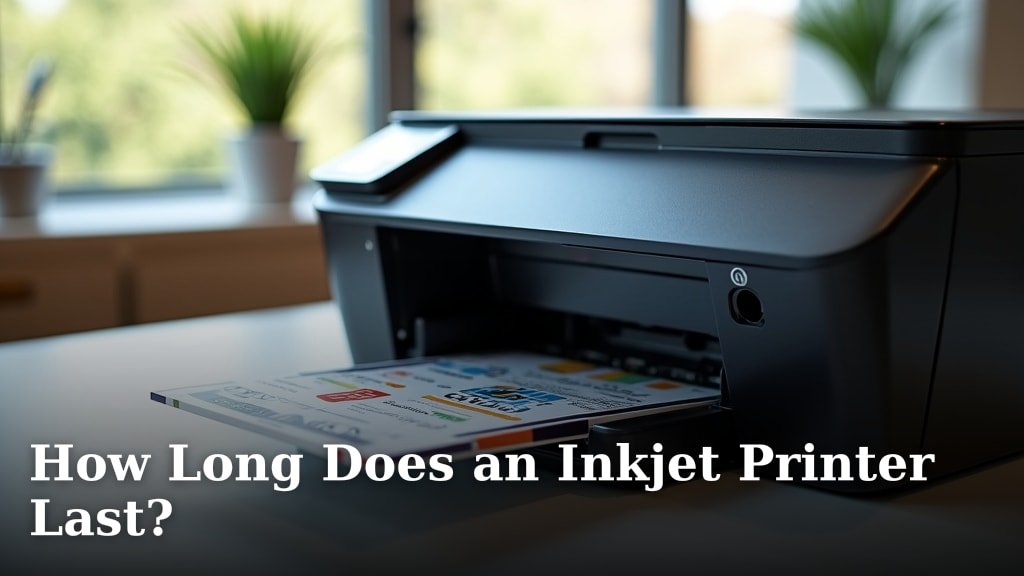
An inkjet printer can last anywhere from 3 to 5 years on average. This lifespan depends heavily on how much you use it and how well you maintain it. You might even get more years out of it with proper care and attention, but 3-5 years is a solid estimate for typical home or small office use.
We know that printer longevity is a big concern for many people. Running costs, print quality, and environmental impact all tie into how long your inkjet actually sticks around. Understanding the factors that influence its lifespan can help you get the most out of your purchase and avoid unexpected replacements. It’s not just about the age; it’s about the usage too.
TL;DR:
- Inkjet printers typically last 3-5 years.
- Usage and maintenance are key factors.
- Proper care can extend its life.
- Consider print volume and quality.
Ready to find out how to make your inkjet printer go the distance? We’ll walk you through the key factors and give you some practical tips.
“`htmlUnderstanding Your Inkjet Printer’s Lifespan
So, you’re wondering how long your trusty inkjet printer will keep churning out those documents and photos? It’s a fair question. Many of us treat our printers as simple tools, but they are complex machines. The average lifespan for most home and small office inkjet printers is typically between 3 to 5 years. This isn’t a hard and fast rule, of course. Think of it more like a reliable estimate, much like how long a car tire might last under normal driving conditions.
What really dictates this lifespan? It boils down to two main things: how much you use it and how well you take care of it. Just like anything else, consistent use and a little bit of TLC can make a big difference. We’ll break down the factors that influence how long your printer stays operational.
Key Factors Affecting Printer Longevity
Usage Volume: Printing More Than You Think?
One of the biggest influencers on your printer’s lifespan is simply how often you print. Inkjet printers are designed for a certain volume of pages. If you’re printing hundreds of pages every month, you’ll likely reach the end of its usable life sooner than someone who prints only a few pages a week.
Manufacturers often provide an estimated monthly duty cycle. This is the maximum number of pages a printer can theoretically handle each month without issue. For most home users, this number is far higher than their actual usage. However, pushing a printer consistently near or beyond its recommended monthly duty cycle can strain its components, leading to premature wear and tear.
Think of it like running. If you’re a marathon runner, you need high-performance shoes that can handle miles and miles. If you’re just going for a casual jog around the block, regular sneakers will do just fine for much longer. Your printer is similar; its “performance” and “endurance” are tied to its intended use.
Print Quality Settings: High vs. Draft
Did you know that your print quality settings can impact your printer’s wear? Printing in high-quality mode uses more ink and puts more stress on the print head. This is because the print head makes multiple passes over the paper to achieve finer detail and smoother color transitions.
Conversely, printing in draft mode uses less ink and is generally less taxing on the print head. While draft mode might not look as sharp for important documents or photos, it can be a great way to extend the life of your printer’s components for everyday notes or internal drafts. We found that consistently using draft mode for non-critical prints can help conserve ink and reduce wear on the print head.
Ink Cartridge Usage and Type
The type of ink you use and how you manage your cartridges also plays a role. Using genuine manufacturer cartridges is generally recommended. While third-party or refilled cartridges can sometimes be cheaper, they can occasionally cause issues. These can range from clogged print heads to incorrect ink delivery, which might lead to poor print quality or even damage over time. Learn about the implications of using genuine manufacturer cartridges versus alternatives.
Many experts suggest that using original ink cartridges ensures compatibility and optimal performance. They are formulated to work perfectly with your printer’s specific hardware. We found that avoiding extremely cheap, unbranded inks is a good practice for maintaining your printer’s health.
Maintenance: The Unsung Hero of Longevity
Proper maintenance is absolutely critical for extending the life of your inkjet printer. It’s not complicated, but it does require a little attention. Think of it like keeping your car tuned up. Regular oil changes and checks prevent bigger problems down the road.
Regular Cleaning Cycles
Most inkjet printers have a built-in cleaning cycle that you can run from your computer or directly on the printer’s control panel. This cycle flushes ink through the print heads to prevent clogs. It’s especially important if you print infrequently. Air can dry out the ink, creating blockages.
We recommend running a cleaning cycle at least once a month, or more often if you notice fading or lines in your prints. Many sources, including printer manuals, emphasize that this simple step can prevent major print head issues, which are often the most expensive part to repair or replace.
Preventing Print Head Clogs
Print heads are the heart of your inkjet printer. If they get clogged, your printer won’t print correctly, or at all. The most common cause of clogged print heads is lack of use. When ink sits in the nozzles for too long, it can dry and harden, blocking the flow.
To combat this, try to print at least one page of text or a simple color image once a week. This ensures that ink is regularly flowing through the print head nozzles. This small habit can make a huge difference in preventing frustrating and costly clogs. It’s like turning on your faucet every few days to keep the water flowing freely.
Firmware and Driver Updates
Keeping your printer’s firmware and drivers updated is also a good maintenance practice. Manufacturers release these updates to improve performance, fix bugs, and sometimes enhance security. While not directly related to the physical wear and tear, updated software ensures your printer is operating as efficiently as possible, which can indirectly contribute to a smoother operation and prevent software-related issues that might mimic hardware problems.
Environmental Factors: Where You Put It Matters
Believe it or not, where you place your printer can affect its lifespan. Inkjet printers are sensitive to their environment. Extreme temperatures, humidity, and dust can all cause problems.
Avoid placing your printer in direct sunlight, near heating vents, or in very humid areas like a steamy bathroom. These conditions can damage internal components and dry out ink prematurely. A cool, dry place with minimal dust is ideal. We found that keeping the printer covered when not in use can also help protect it from dust accumulation.
Common Failure Points and Signs of Age
Like any electronic device, inkjet printers have components that are more prone to failure over time. The print head is often the most critical and expensive part. If the print head fails, it might be more cost-effective to replace the printer than to repair it.
Other common issues include problems with the paper feed mechanism, scanner units (in all-in-one models), and general electronic failures. You might notice fading prints, streaks, paper jams becoming more frequent, or the printer simply refusing to power on. These can all be indicators that your printer is nearing the end of its operational life.
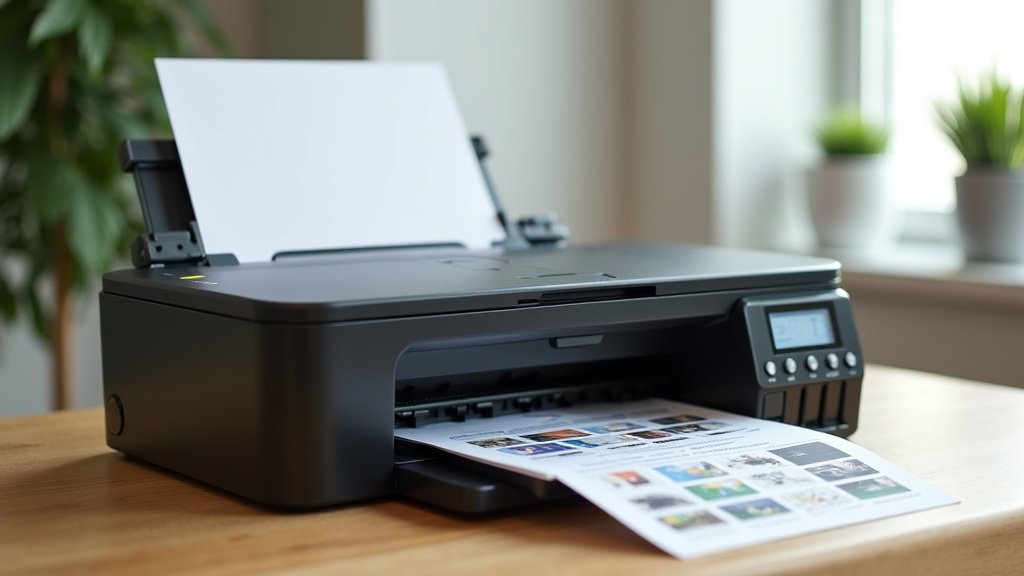
Making the Most of Your Inkjet Printer’s Life: A Checklist
Want to give your inkjet printer the best chance at a long and productive life? Follow this simple checklist:
- Print Regularly: Aim to print at least one page per week.
- Use Quality Ink: Stick to genuine or reputable third-party ink cartridges.
- Run Cleaning Cycles: Perform head cleaning monthly or when print quality dips.
- Choose Draft Mode Wisely: Use draft settings for less important prints.
- Maintain a Clean Environment: Keep your printer dust-free and away from extremes.
- Update Software: Keep your printer’s drivers and firmware current.
By understanding these factors and implementing regular maintenance, you can significantly extend the functional life of your inkjet printer. It’s about smart usage and consistent care, ensuring you get the most prints and the best quality for as long as possible.
“`Conclusion
So, your inkjet printer likely has a lifespan of 3 to 5 years, but you have a lot of control over that. By understanding how usage, print settings, and consistent maintenance affect its performance, you can make it last longer. Think of regular cleaning cycles and printing weekly as small habits that prevent big problems. Don’t forget that a good environment also helps. Ready to get the most out of your printer? Start by printing one page this week and running a cleaning cycle next month.
Frequently Asked Questions
Can I extend my inkjet printer’s life beyond 5 years?
Yes, you absolutely can! While 3-5 years is the average, diligent maintenance like regular printing, cleaning cycles, and using quality ink can push its lifespan further. Many users report getting 7 or even more years out of their printers with careful attention.
What’s the biggest mistake people make that shortens printer life?
The most common mistake is letting the printer sit idle for too long without printing. This leads to dried ink clogs in the print heads, which are often the most expensive component to fix or replace. Printing at least once a week is key to avoiding this.
Is it better to use genuine ink cartridges or third-party ones for longevity?
We found that using genuine manufacturer ink cartridges is generally recommended. They are formulated to work best with your specific printer model, reducing the risk of clogs or compatibility issues that could potentially damage the print heads over time.
How often should I run a print head cleaning cycle?
You should run a cleaning cycle at least once a month, or more often if you notice print quality issues like fading or streaky lines. If you print very infrequently, consider running a cleaning cycle every time before you print something important.
What are the signs my printer is nearing the end of its life?
Look out for recurring paper jams, persistent print quality issues that cleaning doesn’t fix, unusual noises, or the printer refusing to power on. If the cost of repairs, especially for the print head, seems high, it might be time to consider a replacement.
