
What Is the Best Printer for Double Sided Printing?
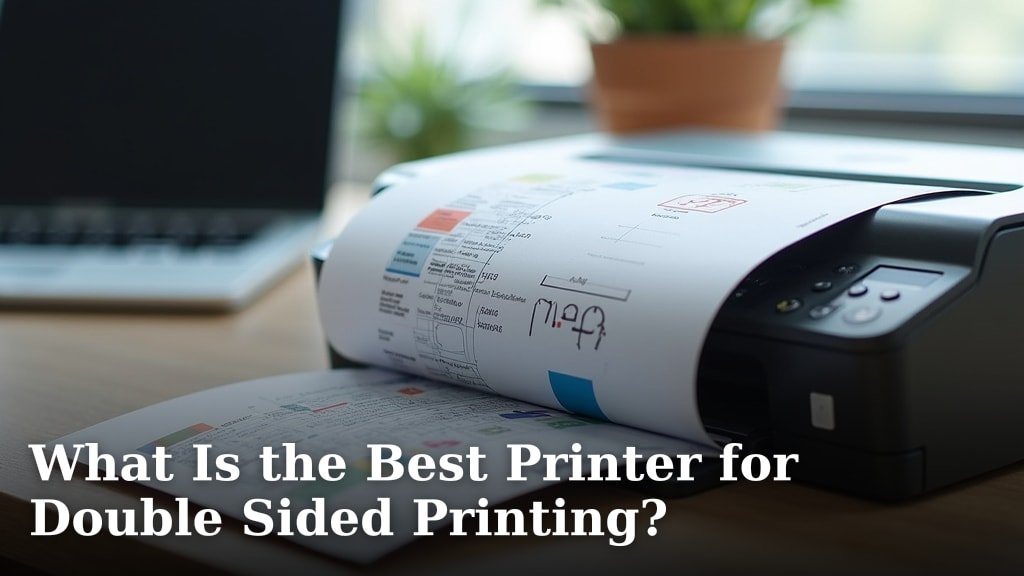
The best printer for double sided printing often depends on your specific needs, but generally, a laser printer with automatic duplexing offers speed and cost savings. These printers automatically flip the page, saving you time and preventing paper jams. For home use, an all-in-one inkjet can also be a great choice if you need scanning and copying too.
When you’re looking for a printer that handles both sides of the page, you’ll want to consider the technology used. Automatic duplexing is the gold standard, meaning the printer does the flipping for you. This feature is available on many modern laser and some inkjet printers, making double-sided printing easy and efficient.
- Automatic duplexing is key for easy double-sided printing.
- Laser printers are typically faster for duplexing.
- Inkjets can be a good, more affordable option for home use.
- Consider your print volume and budget.
Let’s walk through what to look for and which printers stand out when you need to print on both sides of the paper.
Finding Your Perfect Printer for Two-Sided Printing
So, you need a printer that can handle both sides of the page. It’s a common need, whether you’re printing reports, school projects, or even just recipes. Printing double-sided, also known as duplexing, saves paper and can make your documents look more professional. But how do you choose the right one? Let’s break down what makes a printer great for this task. If your printer doesn’t have automatic duplexing, our guide on how to print on both sides manually can help.
Automatic vs. Manual Duplexing: The Big Difference
When we talk about double-sided printing, the biggest distinction is between automatic and manual duplexing. You want to aim for automatic whenever possible. It’s like the difference between a self-cleaning oven and one you have to scrub yourself. You’ll thank yourself later!
Automatic Duplexing: The Easy Button
Automatic duplexing means the printer handles all the flipping for you. You send a document to print, and it prints the first side, pulls the paper back in, turns it over, and prints the second side. This is incredibly convenient, especially for longer documents. It’s also much less prone to errors, like misaligned pages or paper jams that can happen with manual methods. Most modern laser printers and many newer inkjet models offer this feature.
Manual Duplexing: A Little More Effort
Manual duplexing requires your intervention. The printer will print one side of the page, then stop and prompt you to manually remove the printed page, flip it over, and reinsert it into the paper tray. This works, but it’s time-consuming and can be frustrating. You might end up with pages printed upside down or out of order if you’re not careful. We generally recommend avoiding manual duplexing if your goal is efficiency and ease of use.
Laser vs. Inkjet Printers for Double Sided Printing
The type of printer technology plays a big role in how well it performs double-sided printing. Both laser and inkjet printers can offer duplexing, but they have different strengths.
Laser Printers: Speed and Volume
Laser printers are often the top choice for businesses or anyone who prints a lot. They use toner, which fuses to the paper. For double-sided printing, laser printers are typically faster because of how their printing mechanism works. They can often flip and print the second side very quickly. If you need to print stacks of documents efficiently, a laser printer with automatic duplexing is usually your best bet. We found that many models can handle high print volumes without breaking a sweat.
Why Laser Excels for Duplexing
The internal mechanics of a laser printer allow for rapid page manipulation. The toner adheres well and is durable. This makes them ideal for producing reports, presentations, or any document where speed and reliability are important. Many experts suggest laser printers for their lower cost per page over time, which is a nice bonus when printing frequently.
Inkjet Printers: Versatility and Home Use
Inkjet printers spray liquid ink onto the paper. They are generally more affordable upfront than laser printers and are great for home users who print a variety of things, including photos. While some inkjets can be slower at duplexing than lasers, many modern ones offer excellent automatic duplexing capabilities. If you need to print on different paper types, like glossy photo paper, an inkjet might be more suitable. We found that newer all-in-one inkjet models offer a great balance for home offices.
Inkjet Considerations for Duplexing
Inkjet technology has improved dramatically. Many models now include automatic duplexing, making them a strong contender for home users. The ink can sometimes take a moment to dry, especially on certain papers, but for everyday documents, it’s usually not an issue. If you print a lot of photos, keep in mind that duplexing photos can sometimes be tricky due to ink drying times and potential smudging if handled too soon. For general document printing, they are very capable.
Key Features to Look For in a Duplexing Printer
Beyond just having automatic duplexing, there are a few other things to keep an eye on. Thinking about these features can help you narrow down your choices and ensure you get a printer that truly fits your needs.
Print Speed (PPM)
Print speed is measured in pages per minute (PPM). While this number often refers to single-sided printing, it’s still a good indicator of the printer’s overall performance. For duplexing, the effective speed will be lower since the printer has to do more work. However, a printer with a higher PPM for single-sided printing will generally be faster at duplexing too. If you’re printing long documents, a faster PPM will save you considerable time.
Print Quality and Resolution
What are you printing? If it’s text documents, most printers will do a fine job. But if you need sharp graphics or decent-quality photos, look at the printer’s resolution, measured in dots per inch (DPI). Higher DPI generally means sharper, more detailed output. For duplexing, you want the quality to be consistent on both sides of the paper.
Connectivity Options
How will you connect to your printer? Most printers today offer USB, Wi-Fi, and sometimes Ethernet. Wi-Fi is incredibly convenient for wireless printing from laptops, tablets, and smartphones. Some printers even support cloud printing services, allowing you to print from virtually anywhere. For duplexing, reliable connectivity ensures your print jobs are sent without interruption.
Cost of Ownership: Beyond the Price Tag
Don’t just look at the initial purchase price. Consider the ongoing costs, such as the price of ink or toner cartridges and how often you’ll need to replace them. Inkjet cartridges can be expensive, and toner cartridges for laser printers, while lasting longer, also represent a significant investment. Research the cost per page for both ink and toner. Many guides suggest that laser printers often have a lower cost per page for black-and-white printing, which can add up if you print many documents.
All-in-One vs. Single-Function
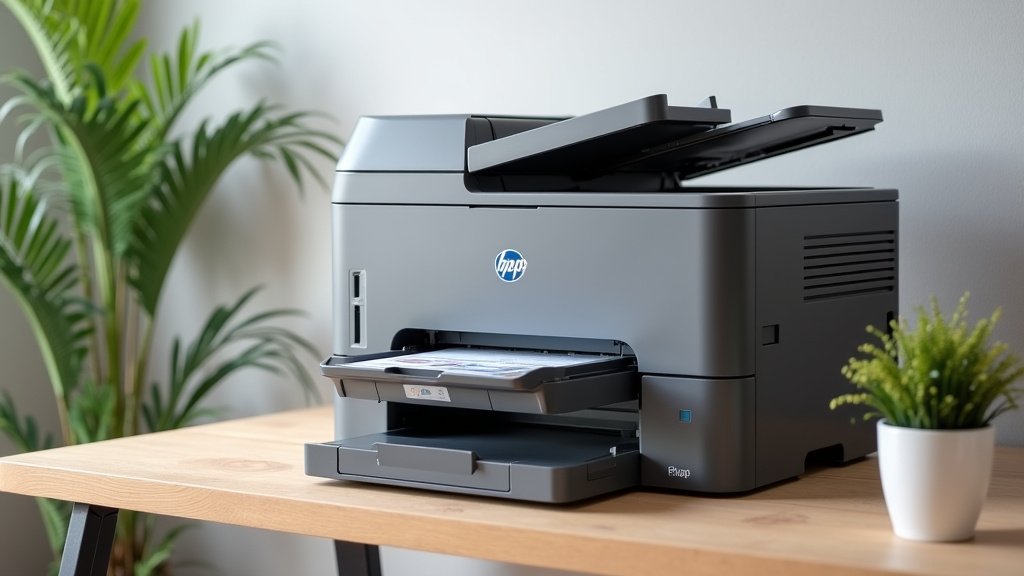
Do you need more than just printing? All-in-one (AIO) printers include scanning, copying, and sometimes faxing capabilities. If you’re setting up a home office or need these functions, an AIO can be a great space and cost saver. Many AIOs, both inkjet and laser, come equipped with automatic duplexing for printing. However, a single-function printer might be more robust or offer better performance in its specific task if you don’t need the extra features.
Quick Checklist for Choosing Your Printer
Ready to make a decision? Here’s a quick rundown of what to prioritize:
- Automatic Duplexing: Make sure it’s on the list!
- Print Volume: How much do you print?
- Budget: Consider upfront and ongoing costs.
- Speed Needs: How fast do you need prints?
- Extra Features: Do you need scanning or copying?
- Paper Type: Will you print photos or just documents?
Conclusion
Choosing the best printer for double-sided printing boils down to your unique needs. For most people, automatic duplexing is the feature you absolutely want. Laser printers often win for speed and high volumes, saving you money on cost per page. Inkjet printers offer great versatility for home users, especially all-in-one models. Before you buy, consider your typical print volume, budget, and whether you need scanning or copying. Take a moment to review these points, and you’ll be well on your way to finding a printer that makes duplexing a breeze.
Frequently Asked Questions
What’s the main difference between automatic and manual double-sided printing?
Automatic duplexing means the printer handles flipping the pages for you, saving time and preventing errors. Manual duplexing requires you to physically re-insert the paper after the first side prints. We strongly recommend automatic duplexing for ease and efficiency.
Are laser printers always better for double-sided printing?
Laser printers are generally faster and more efficient for high-volume double-sided printing due to their mechanics. However, many modern inkjet printers now offer excellent automatic duplexing and can be a more affordable choice for home use.
How does double-sided printing affect print speed?
Double-sided printing will always be slower than single-sided printing because the printer performs extra steps to flip and reprint the page. While a printer with a higher PPM (pages per minute) for single-sided printing will be faster at duplexing, the effective speed will be reduced.
Can I print photos double-sided?
You can print photos double-sided, especially with inkjet printers that handle various paper types. Be mindful of ink drying times, as handling the paper too soon after printing the first side could lead to smudging. It’s usually best for documents.
What are the ongoing costs for a duplexing printer?
Beyond the initial price, consider the cost of ink or toner. Laser printers often have a lower cost per page for black-and-white documents, while inkjet cartridges can be more expensive over time. Research the cost of replacement cartridges for any printer you consider.
