
Can You Refill Ink Cartridges Yourself?
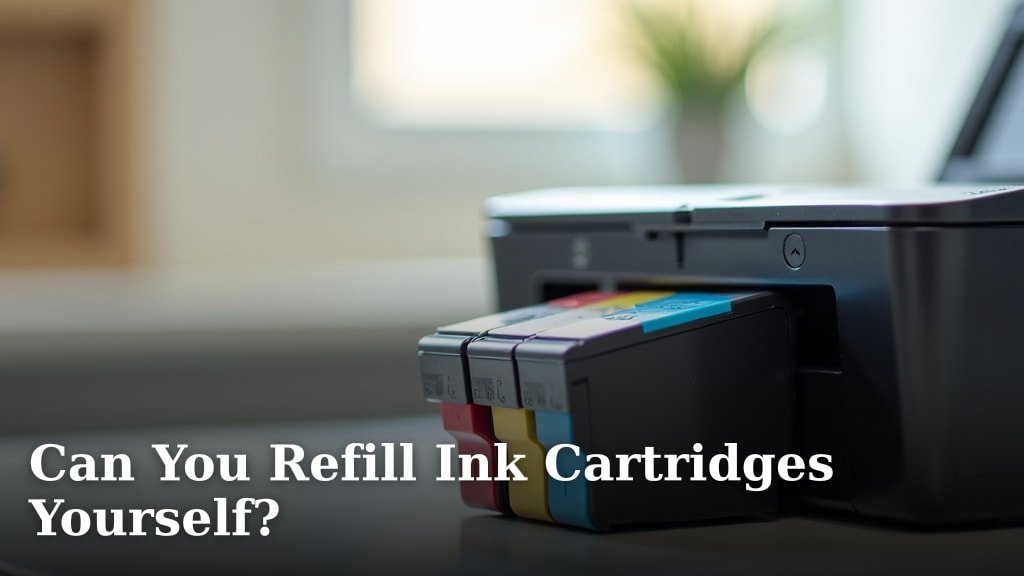
Yes, you can refill ink cartridges yourself, but it comes with some caveats. While it might seem like a great way to save money, it often leads to messy hands and potential printer issues. We found many users have mixed results with this DIY approach.
Refilling your own cartridges involves buying a refill kit, which includes ink and tools. You carefully inject new ink into the old cartridge. This process can be cost-effective in the short term, but it might void your printer’s warranty. Plus, the print quality might not be as good as with a new cartridge.
- You can refill most ink cartridges at home.
- Refill kits are affordable and widely available.
- Print quality may suffer compared to new cartridges.
- Refilling can be messy and may damage your printer.
- Printer warranties might become void if you refill.
Let’s walk through everything you need to know about refilling ink cartridges and if it’s truly worth your time and effort.
Refilling Printer Ink Cartridges Yourself?
You can definitely refill your own printer ink cartridges, but it’s not always a straightforward process. Many people try this to save money, and it can work for some.
However, it also comes with potential downsides. We found that success often depends on your printer model and how comfortable you are with a bit of a mess.
The Allure of DIY Ink Refills
Why do so many people consider refilling their own ink cartridges? The main reason is cost. New cartridges can be surprisingly expensive.
Think about it: a full set of new cartridges can sometimes cost as much as a new printer! Refilling seems like a smart way to beat those high prices.
Cost Savings: Fact or Fiction?
On the surface, refilling your cartridges looks like a huge win for your wallet. A refill kit typically costs much less than a single new cartridge.
For example, if a new black cartridge costs $30, a refill kit for multiple refills might be only $15-$20. That’s a significant saving, right?
Well, sometimes. We found that while the initial outlay is lower, you might encounter other costs down the road. Poor print quality can lead to wasted paper and more ink usage to get a decent print.
Environmental Benefits
Another reason people like refilling is to be more eco-friendly. When you reuse a cartridge, you’re keeping it out of a landfill.
Manufacturing new cartridges uses resources and energy. By refilling, you reduce demand for new products and lower your environmental footprint. It feels good to do your part for the planet.
What You’ll Need for a DIY Refill
Before you dive into refilling, you need to gather a few essential items. Think of it like a small science project at your kitchen table.
- Ink Refill Kit: This is your core component. It includes ink bottles, syringes, and sometimes a drill tool.
- Gloves: Ink stains, and it stains quickly! Protect your hands.
- Paper Towels or Old Newspapers: Lay these down to catch any spills. You’ll thank us later.
- Small Drill (sometimes): Some cartridges require a small hole to be made for the ink injection.
- Rubbing Alcohol or Isopropyl Alcohol: For cleaning up any ink mishaps.
- Cartridge Clip or Stand: Some kits include these to hold the cartridge steady.
The Refilling Process: A Step-by-Step Guide
Ready to get your hands a little dirty? Here’s a general rundown of how you refill most ink cartridges. Remember, specific steps might vary by kit and cartridge type.
Prepping Your Workspace
First, choose a well-lit area. Spread out your paper towels or newspapers generously. Put on your gloves. You want to make sure you’re ready for any drips.
It’s like preparing for surgery, but for your printer! A clean, protected surface prevents bigger messes later.
Locating the Fill Holes
Carefully remove the empty cartridge from your printer. Many cartridges have small holes on top, often covered by a label. Gently peel back the label to expose these holes.
If there aren’t any obvious holes, your kit might include a tiny drill to make one in the designated spot. Be very gentle if you need to drill.
Injecting the Ink
Draw the appropriate amount of ink into the syringe. Most kits will tell you how much ink to use for each color. Don’t overfill!
Slowly insert the needle into the correct fill hole. Gently push the plunger to inject the ink. You might see a tiny bubble come out, which is normal. Slowly does it.
Sealing and Cleaning
Once filled, remove the syringe. If you drilled a hole, use the provided plug or tape to seal it. Reattach any labels you peeled off. Gently dab the print head (the bottom part of the cartridge) with a clean paper towel to remove excess ink.
You want to avoid clogs, so a clean print head is important before putting it back in the printer.
Resetting Your Printer
This is where things can get tricky. Many modern printers are designed to detect when a new, original cartridge is installed.
When you refill an old one, the printer might still think it’s empty. Some printers have reset buttons or software utilities. Others, unfortunately, might just refuse to acknowledge the refill.
We found that specific reset instructions vary wildly by printer brand and model. A quick online search for your “printer model + reset ink cartridge” might help.
The Potential Pitfalls of Refilling
While refilling sounds great, it’s not always smooth sailing. There are several common issues people face.
Print Quality Issues
This is probably the biggest complaint. Refilled cartridges often produce lower quality prints.
- Streaky lines: The ink might not flow evenly.
- Faded colors: The new ink might not match the original formulation.
- Clogged nozzles: Air bubbles or impurities in the ink can block the tiny print nozzles.
- Incorrect color reproduction: The colors you see on screen might not match what prints.
Many users report that refilled cartridges just don’t deliver the crisp, vibrant results of new, genuine cartridges (Consumer Reports).
Mess and Damage
Ink is messy. It’s designed to stick to paper, which means it also sticks to your fingers, clothes, and work surface. A single slip can create a big stain.
Even worse, if you spill ink inside your printer, it could damage the electronic components. That quick cost saving could turn into a costly repair or even a need for a new printer. We found that spilled ink is a surprisingly common problem for DIY refillers.
Printer Warranty Void
Most printer manufacturers state that using non-genuine ink or refilling cartridges will void your warranty. If your printer breaks down after a refill, you might be out of luck for a free repair.
This is a significant risk to consider. Is saving a few dollars on ink worth potentially losing your printer’s warranty coverage? It’s a trade-off you need to weigh carefully.
Is Refilling Worth Your Time and Effort?
This is the million-dollar question, isn’t it? The answer often depends on your priorities and tolerance for potential hassle.
Here’s a quick look at the pros and cons:
| Pros of Refilling | Cons of Refilling |
|---|---|
| Significant cost savings per cartridge. | Potentially messy process. |
| Environmentally friendly (less waste). | Lower print quality is common. |
| Extended life for existing cartridges. | Risk of damaging your printer. |
| Sense of accomplishment from DIY. | May void printer warranty. |
| Ink might not be exact match. | Time-consuming. |
Your Printer Model Matters
Some printers are more “refill-friendly” than others. Older models often have simpler cartridges that are easier to refill and reset.
Newer printers, especially those from major brands, often have sophisticated chips that track ink levels. These chips can make refilling much more difficult, as the printer might still report an “empty” cartridge even after a refill.
Do some research on your specific printer model before buying a refill kit. We found that online forums and user reviews are great places to check for refill success stories (or horror stories!) related to your printer.
A Checklist Before You Refill
Before you commit to refilling, take a moment to consider these points:
- Do you have the correct refill kit for your exact cartridge model?
- Are you prepared for potential mess and ink stains?
- Is your printer still under warranty? Are you okay with potentially voiding it?
- Are you willing to accept a possible drop in print quality?
- Have you researched how to reset your specific printer model’s ink levels?
- Do you have an alternative printing solution if the refill fails?
Thinking through these questions will give you a clearer picture of whether refilling is the right choice for you.
Conclusion
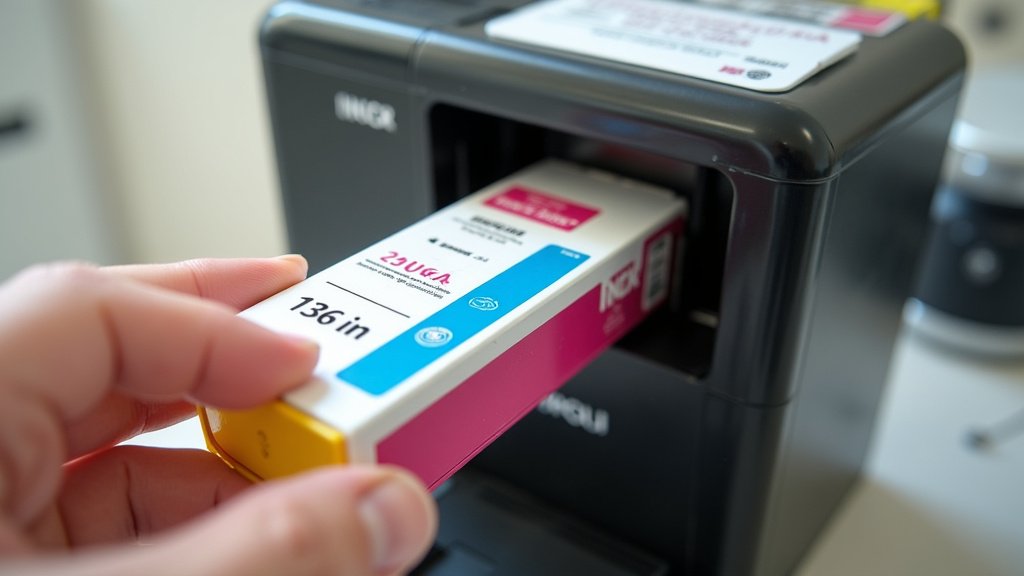
Refilling your own ink cartridges can feel like a tempting money-saver, but as we’ve seen, it’s a practice filled with trade-offs. You might save some dollars initially and help the environment, but you risk lower print quality, potential messes, and even voiding your printer’s warranty. Weigh these pros and cons carefully against your printing needs and comfort with DIY projects. Before you buy that refill kit, do specific research on your printer model. Make an informed decision that truly suits your budget and patience.
Frequently Asked Questions
Will refilled cartridges damage my printer in the long run?
While occasional refilling might not cause immediate damage, consistent use of refilled cartridges can lead to problems. Poor quality ink or improper refilling can cause print head clogs or internal spills, potentially shortening your printer’s lifespan. It’s a risk to consider.
How many times can a single ink cartridge be refilled?
There isn’t a set number, as it depends on the cartridge’s condition and how well it’s refilled. Generally, cartridges can be refilled a few times (2-5) before the print head degrades or internal components wear out. You’ll notice a drop in print quality when it’s time to replace the cartridge.
Are all ink refill kits compatible with all printer brands?
No, ink refill kits are typically designed for specific cartridge types or brands. The ink formulation and nozzle size vary significantly between manufacturers. Always ensure you purchase a refill kit explicitly made for your printer’s cartridge model to avoid compatibility issues and poor results.
Why does my printer still show an “empty” error after refilling a cartridge?
Many modern printers use smart chips on cartridges to track ink levels and authenticate genuine products. After a refill, the chip might still register the cartridge as empty. You may need to perform a specific reset procedure for your printer model, or the chip might simply not allow a reset.
Can I mix different brands of refill ink in one cartridge?
Mixing different brands of ink is not recommended. Each manufacturer uses a unique ink formulation, and combining them can lead to chemical reactions. This can cause clogs, alter colors, or even damage your print head. Stick to the ink provided in your specific refill kit.
