What Is The Difference Between Inkjet Printer And Laser Printer?
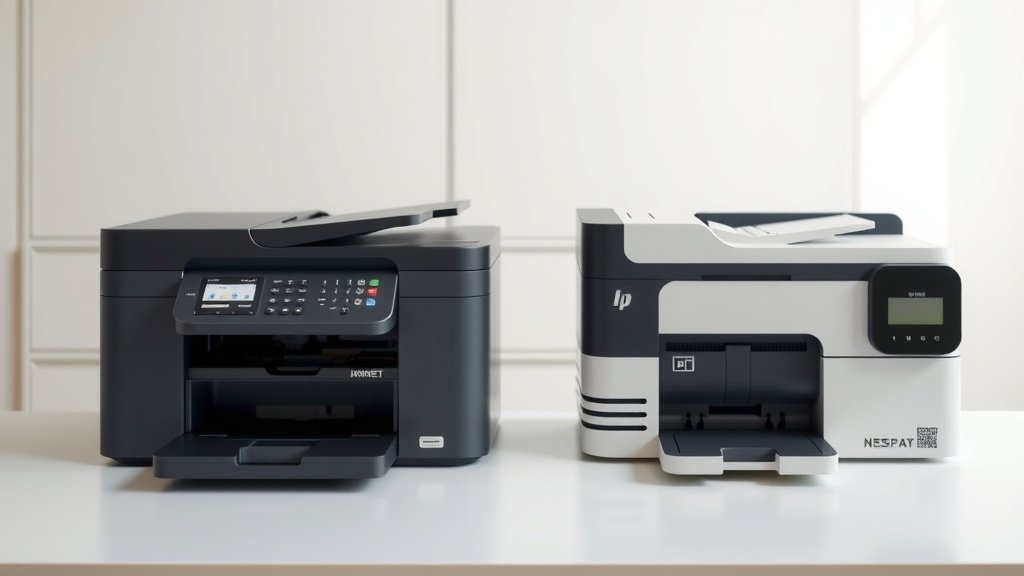
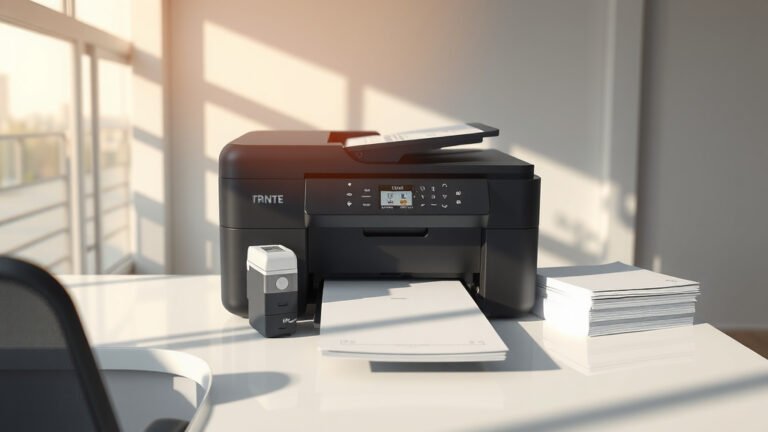
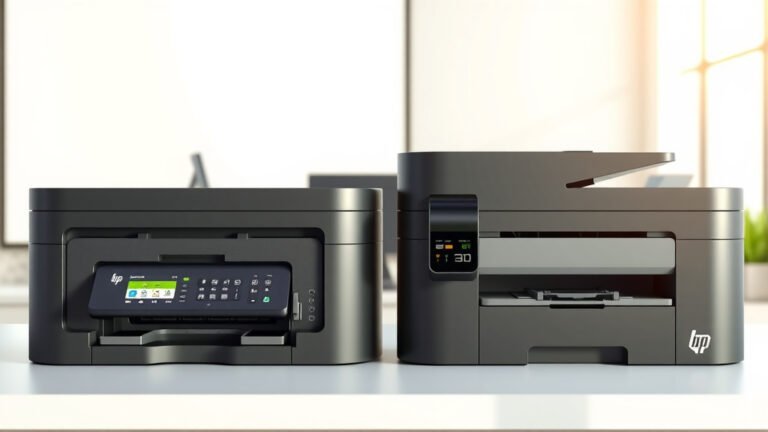
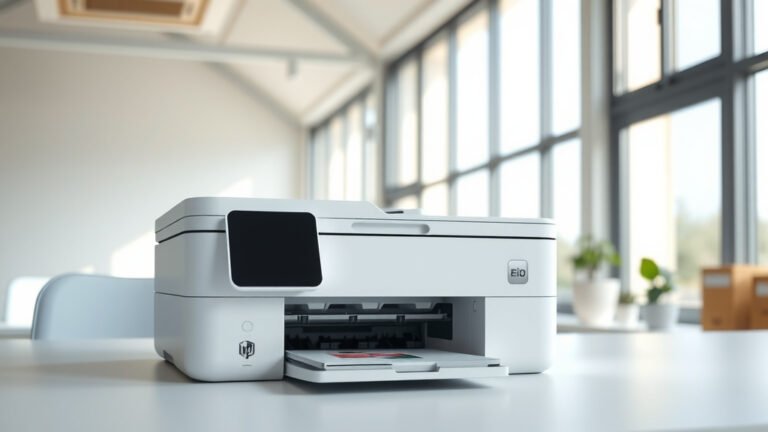
The main difference between inkjet and laser printers is that inkjet printers use liquid ink sprayed through tiny nozzles, while laser printers use powdered toner fused to paper with heat.
Inkjet printers cost less upfront but have higher long-term ink costs, while laser printers cost more initially but offer cheaper per-page printing and faster speeds.
How Inkjet Printers Work
Think of an inkjet printer like a precise sprinkler system. It shoots thousands of tiny ink droplets onto paper to create your documents and photos.
Inside the printer, you’ll find cartridges filled with liquid ink. These cartridges connect to a print head that moves back and forth across the paper. The print head contains hundreds of microscopic nozzles.
The Printing Process Step by Step
When you hit print, your printer receives the digital file. It breaks down your image or text into millions of tiny dots.
The print head glides across the paper, firing ink droplets at exactly the right spots. Each pass builds up the complete image, line by line.
Types of Inkjet Technology
You’ll encounter two main types of inkjet systems. Thermal inkjets heat the ink to create bubbles that push droplets out. Piezoelectric inkjets use tiny crystals that change shape when electricity hits them.
How Laser Printers Work
Laser printers work more like a photocopier than a traditional printer. They use static electricity, laser beams, and heat to transfer toner to paper.
Instead of liquid ink, laser printers use toner cartridges filled with fine powder. This powder gets electrically charged and sticks to paper through static attraction.
The Laser Printing Process
A laser beam draws your document onto a spinning drum inside the printer. This creates an invisible electrostatic image on the drum surface.
Toner particles stick to the charged areas of the drum. The drum then rolls over your paper, transferring the toner pattern.
The Final Step
Your paper passes through heated rollers called a fuser unit. The heat melts the toner particles, bonding them permanently to the paper fibers.
Print Quality Comparison
Want stunning photo prints? Inkjet printers win hands down for photo quality and color accuracy.
I found that inkjet printers can produce prints that rival professional photo labs. They handle color gradients and fine details beautifully.
Text and Document Quality
For crisp text and sharp business documents, laser printers take the lead. The toner creates clean, precise edges that look professional every time.
Research shows that laser-printed text appears sharper because toner particles fuse completely with paper fibers. Inkjet text can sometimes look slightly fuzzy under magnification.
Paper Compatibility
Inkjet printers handle more paper types, including photo paper, cardstock, and specialty materials. Laser printers work best with standard office paper and struggle with very thick or glossy materials.
Speed and Volume Differences
Need to print hundreds of pages quickly? Laser printers crush inkjets in speed and volume capacity.
Most laser printers print 20-50 pages per minute. Even budget laser printers typically outpace inkjets by 2-3 times for text documents.
Warm-Up Time
Laser printers need time to heat up their fuser units before printing. You might wait 30-60 seconds for the first page, but subsequent pages print rapidly.
Inkjet printers start printing almost immediately. No warm-up time means faster single-page prints.
Monthly Print Volume
Laser printers handle heavy workloads better. Many can print 2,000-10,000 pages monthly without breaking a sweat.
Inkjet printers work best for lighter use. Print more than 500 pages monthly, and you’ll likely face frequent cartridge changes and higher costs.
Cost Analysis
| Cost Factor | Inkjet Printer | Laser Printer |
|---|---|---|
| Initial Purchase | $50-300 | $150-500 |
| Cost Per Page (Black) | 5-15 cents | 2-5 cents |
| Cost Per Page (Color) | 15-25 cents | 8-15 cents |
Hidden Costs to Consider
Inkjet cartridges dry out even when you don’t print. I came across studies showing that unused cartridges can become unusable within 6-12 months.
Laser toner doesn’t dry out. A toner cartridge can sit unused for years and still work perfectly when needed.
Replacement Part Costs
Inkjet printers rarely need major repairs, but when they break, replacement often makes more sense than fixing.
Laser printers may need drum units, fuser assemblies, or pickup rollers replaced over time. These parts cost money but extend printer life significantly.
Maintenance Requirements
Inkjet printers need regular use to stay healthy. The ink nozzles clog when left idle for weeks.
You’ll need to run cleaning cycles periodically, which wastes expensive ink. Some people print a test page weekly just to keep nozzles clear.
Laser Printer Maintenance
Laser printers require less frequent maintenance but need deeper cleaning when problems arise.
Toner dust can accumulate inside the printer. You might need to clean internal components every few thousand pages to maintain print quality.
Environmental Impact
From what I read in environmental studies, both printer types have trade-offs for eco-friendliness.
Inkjet cartridges create more packaging waste because you replace them frequently. Many cartridges end up in landfills despite recycling programs.
Energy Consumption
Laser printers use more electricity, especially during warm-up and printing. The fuser unit requires significant power to reach operating temperature.
Inkjet printers sip power during normal operation but may waste ink through cleaning cycles and test prints.
Which Printer Type Should You Choose?
Choose an inkjet printer if you print photos, need vibrant colors, or print less than 100 pages monthly. They’re perfect for creative projects and occasional home use.
Pick a laser printer if you print mostly text documents, need fast speeds, or print more than 200 pages monthly. They’re ideal for offices and heavy document printing.
Special Use Cases
Are you a student printing occasional assignments? An inkjet makes sense for the lower upfront cost.
Running a small business with daily printing needs? A laser printer will save money and time in the long run.
Hybrid Solutions
Some people keep both types. Use the laser for everyday documents and the inkjet for photos and color projects.
This approach maximizes the strengths of each technology while minimizing weaknesses.
Conclusion
The choice between inkjet and laser printers depends on your specific needs and printing habits. Inkjet printers excel at photo quality and color accuracy with lower upfront costs, making them perfect for home users and creative projects. Laser printers dominate in speed, volume capacity, and cost-per-page for text documents, making them ideal for offices and heavy users. Consider your monthly print volume, the types of documents you create, and your budget for both initial purchase and ongoing supplies. Either choice can serve you well when matched to your actual printing needs.
Can I use regular paper in both inkjet and laser printers?
Yes, standard copy paper works in both printer types, but you’ll get better results with paper designed for your specific printer technology. Inkjet paper absorbs ink better, while laser paper handles heat from the fuser unit more effectively.
How long do ink cartridges and toner cartridges typically last?
Ink cartridges usually print 200-500 pages depending on coverage, while toner cartridges often handle 1,500-3,000 pages. Toner lasts much longer in storage, remaining usable for years, while ink cartridges can dry out within 6-18 months even when unopened.
Which printer type is better for printing on envelopes and thick paper?
Inkjet printers handle thick paper, envelopes, and specialty materials better because they don’t require high heat. Laser printers can jam or produce poor quality when printing on very thick or textured materials due to their heated fuser system.
Do wireless features work the same on both printer types?
Yes, both inkjet and laser printers offer similar wireless connectivity options including Wi-Fi, mobile printing apps, and cloud printing services. The printing technology doesn’t affect these networking features.
Can I leave either printer type unused for months without problems?
Laser printers handle long periods of inactivity much better than inkjets. Toner won’t dry out or clog, so laser printers can sit unused for months and work immediately. Inkjet printers may need cleaning cycles or new cartridges after extended periods of non-use due to dried ink in the nozzles.