How Do I Know If My Printer Is Inkjet?
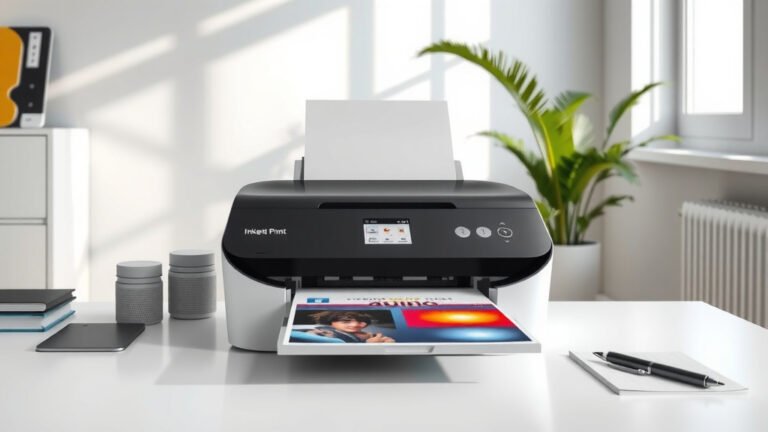
You can identify an inkjet printer by looking for ink cartridges, checking for quiet operation, and examining the print quality which shows smooth color gradients and photo-quality output.
Inkjet printers use liquid ink stored in cartridges, while laser printers use toner powder, making this the easiest way to tell them apart.
Ever stood in front of your printer wondering what type it actually is? You’re not alone. Many people use their printers daily without knowing whether they own an inkjet or laser model.
This guide will help you figure out exactly what kind of printer you have. I’ll walk you through simple visual checks, sound tests, and other clear signs that will give you the answer in minutes.
Quick Visual Inspection Methods
Start with the most obvious clue: open your printer and look inside. This takes about 30 seconds and gives you the clearest answer.
Check for Ink Cartridges
Inkjet printers use small plastic cartridges filled with liquid ink. These cartridges are usually black, cyan, magenta, and yellow. They’re about the size of a small smartphone and snap into place.
Look for an access door on the front or top of your printer. When you open it, you’ll see the cartridges lined up in a row. If you see these colorful plastic containers, you have an inkjet printer.
Look for Toner Cartridges Instead
Laser printers use much larger toner cartridges. These are typically black or dark-colored cylinders about the size of a wine bottle. They contain powder, not liquid.
If you see these big cylindrical containers instead of small ink cartridges, you have a laser printer, not an inkjet.
Sound and Operation Clues
Your printer makes different sounds depending on its type. Pay attention next time you print something.
Inkjet Printer Sounds
Inkjet printers are generally quieter. They make a soft whirring sound and gentle mechanical noises as the print head moves back and forth. You might hear a slight humming or buzzing.
The printing process sounds smooth and continuous. There’s no loud fan noise or mechanical grinding.
Laser Printer Sounds
Laser printers are much louder. They have internal fans that run constantly. You’ll hear a warm-up period with fan noise, followed by mechanical sounds as the paper moves through the printer.
Many laser printers make a distinct “whirring” or “grinding” sound during printing. This comes from the fuser unit heating up and the toner drum rotating.
Print Quality Differences
The way your prints look can tell you a lot about your printer type.
Inkjet Print Characteristics
Inkjet printers create smooth color transitions and excellent photo quality. Colors blend naturally together without visible dots or patterns.
Text might look slightly fuzzy on close inspection. Photos look rich and detailed, especially on photo paper.
Laser Print Characteristics
Laser printers produce very sharp text. Letters have clean, crisp edges that look professional.
Color laser prints might show slight dot patterns when you look closely. The colors are vibrant but not as smooth as inkjet for photos.
Physical Design Differences
Inkjet and laser printers often look different from the outside too.
Size and Weight
Inkjet printers are usually lighter and more compact. You can easily move most inkjet printers with one person.
Laser printers tend to be heavier and bulkier. Even small laser printers weigh more than most inkjet models because of their internal components.
Paper Handling
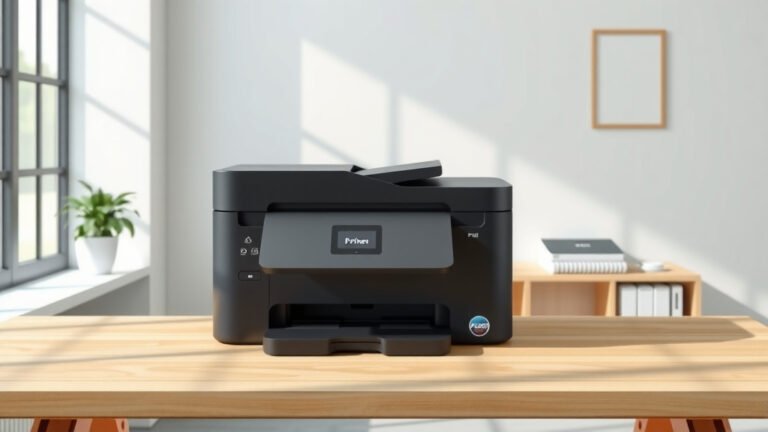
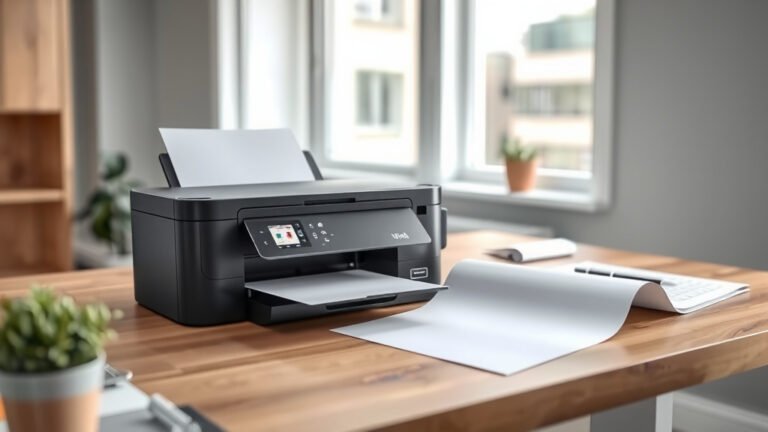
Many inkjet printers have paper trays that slide out from the front or load from the top. The paper path is often visible.
Laser printers typically have enclosed paper trays that slide out from the bottom. The paper disappears completely into the printer during operation.
Control Panel and Display Clues
The control panel can give you hints about your printer type.
Inkjet Control Features
Inkjet printers often have controls for photo printing, paper type selection, and color adjustment. You might see buttons for borderless printing or photo enhancement.
Laser Control Features
Laser printers focus more on document printing features. Controls often include duplex (two-sided) printing, print quality settings, and paper size options.
Brand and Model Research
When all else fails, check your printer’s brand and model number.
Finding Your Model Number
Look for a label on the front, back, or bottom of your printer. Write down the brand name and model number exactly as shown.
Online Model Lookup
Search for your exact model number online. The manufacturer’s website will clearly state whether it’s an inkjet or laser printer.
Most printer manufacturers use different naming conventions for inkjet and laser models, making identification easier once you know what to look for.
Common Printer Brands and Types
Different brands tend to focus on different printer technologies.
Primarily Inkjet Brands
Canon, Epson, and HP make many inkjet printers for home and office use. These brands offer everything from basic document printers to high-end photo printers.
Mixed Technology Brands
HP, Brother, and Xerox make both inkjet and laser printers. You’ll need to check the specific model to know which type you have.
Maintenance Requirements as Indicators
Think about how you maintain your printer. This can tell you what type it is.
Inkjet Maintenance
Do you replace small cartridges frequently? Do you run cleaning cycles to prevent clogs? Does your printer sometimes streak or produce faded colors after sitting unused?
These are all signs of an inkjet printer. Inkjet cartridges need regular replacement and the print heads require periodic cleaning.
Laser Maintenance
Do you replace large toner cartridges that last thousands of pages? Does your printer warm up before printing? Do you rarely deal with print quality issues?
These point to a laser printer. Laser printers require less frequent maintenance but use more expensive toner cartridges.
Cost Per Page Analysis
Your printing costs can reveal your printer type.
Inkjet Cost Patterns
If you buy replacement cartridges often and they’re relatively inexpensive upfront but don’t last long, you likely have an inkjet printer.
Laser Cost Patterns
If you buy toner cartridges rarely but they cost more upfront and last thousands of pages, you have a laser printer.
Print Speed Observations
Notice how fast your printer works.
Inkjet Speed
Inkjet printers usually print slower, especially for photos or high-quality color documents. You can often see the print head moving back and forth across the page.
Laser Speed
Laser printers typically print entire pages quickly after a brief warm-up period. Once they start, whole pages appear rapidly.
Software and Driver Clues
Check your computer’s printer settings or installed software.
Printer Properties
Go to your computer’s printer settings. The printer properties often clearly state whether you have an inkjet or laser printer.
Manufacturer Software
Look at any printer software installed on your computer. Inkjet software often includes photo editing and enhancement tools. Laser printer software focuses on document management features.
Conclusion
Identifying your inkjet printer is easier than you think. Start by opening your printer and looking for small ink cartridges instead of large toner containers. Listen to the sounds it makes – inkjet printers run quieter than laser printers.
Check your print quality too. Inkjet printers excel at photos and smooth color gradients. When in doubt, look up your model number online for a definitive answer.
Knowing your printer type helps you buy the right supplies, troubleshoot problems, and understand what your printer does best. Now you can shop for ink cartridges or photo paper with confidence.
How can I tell the difference between ink and toner cartridges?
Ink cartridges are small plastic containers about the size of a smartphone that contain liquid ink. Toner cartridges are much larger, cylindrical containers about the size of a wine bottle that contain powder instead of liquid.
Do all inkjet printers make the same sounds when printing?
Most inkjet printers make similar quiet whirring and mechanical sounds as the print head moves back and forth. The exact sounds vary by brand and model, but they’re generally much quieter than laser printers with their fans and heating elements.
Can I convert my inkjet printer to use laser technology?
No, you cannot convert an inkjet printer to laser technology. These printers use completely different printing mechanisms and internal components. You would need to buy a separate laser printer if you want laser printing capabilities.
Why does my inkjet printer sometimes skip or streak when printing?
Inkjet printers streak or skip when the print head nozzles get clogged with dried ink, especially after sitting unused for weeks. Running a print head cleaning cycle through your printer’s maintenance menu usually fixes this problem.
Are there printers that use both inkjet and laser technology?
No single printer uses both technologies simultaneously. Some offices have combination units that include both an inkjet and laser printer in one device, but each printing method operates independently with its own paper path and controls.