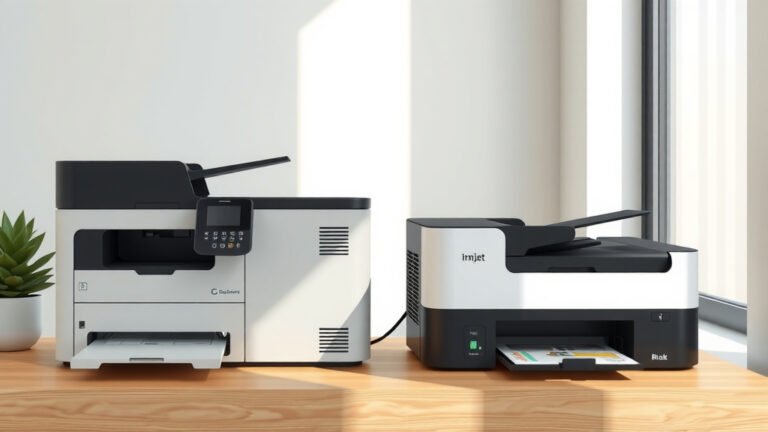
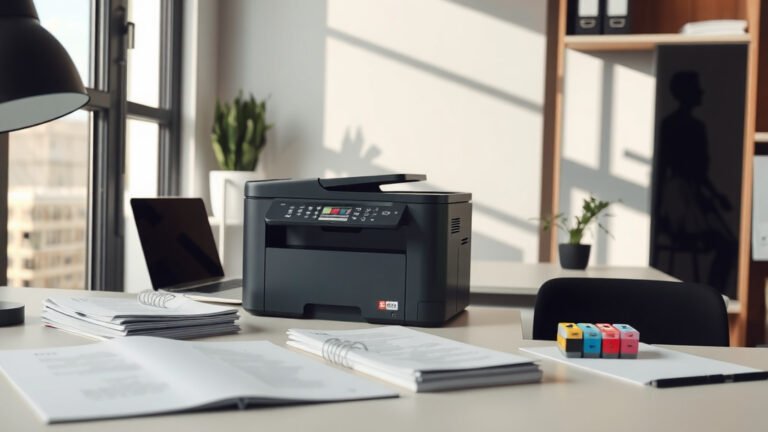
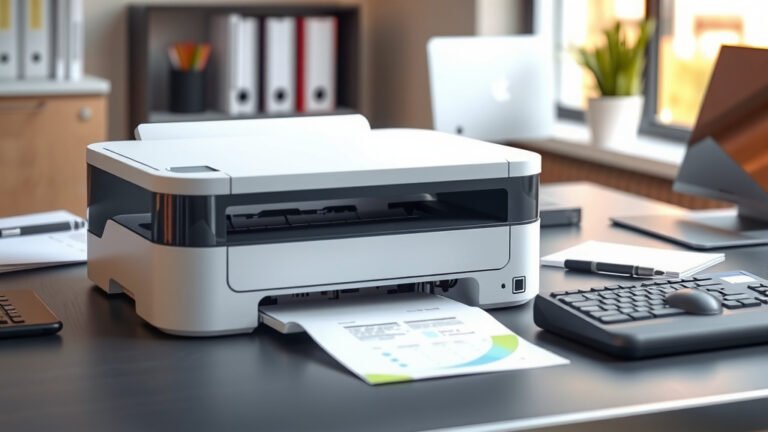
What Is A Good Inkjet Printer?
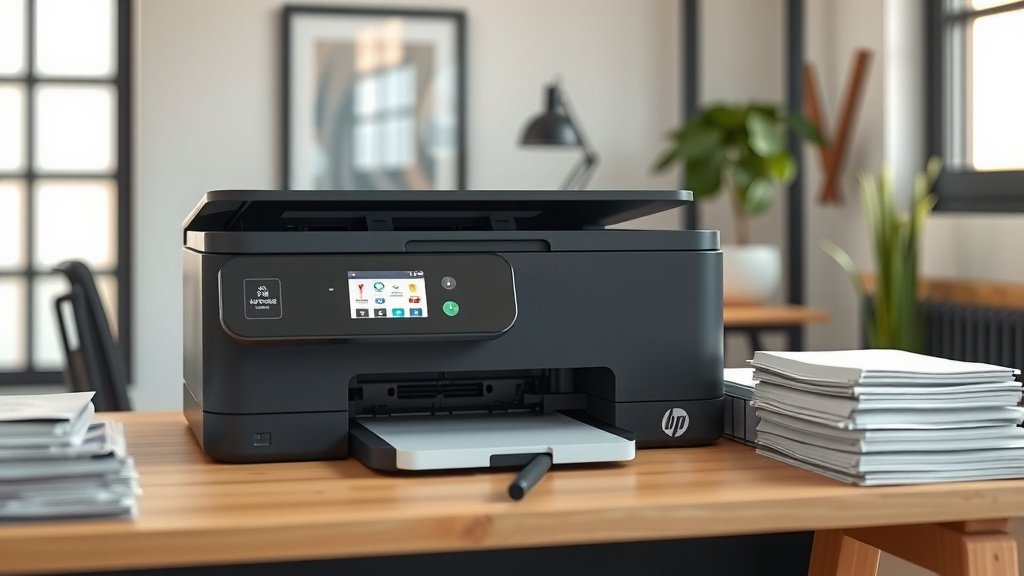
A good inkjet printer delivers sharp text, vibrant colors, and reliable performance at a reasonable cost per page.
The best inkjet printers balance print quality, speed, and affordability while offering features that match your specific needs.
What Makes an Inkjet Printer Good?
You want a printer that works when you need it. Simple, right? But finding one can feel overwhelming with so many options.
A quality inkjet printer should handle your daily tasks without drama. Whether you’re printing school reports, work documents, or family photos, it needs to perform consistently.
Print Quality That Actually Matters
Print quality separates decent printers from great ones. You need crisp text that doesn’t look fuzzy or faded.
Look for printers with at least 1200 x 1200 dpi resolution for text. Photo printing requires higher resolution, typically 4800 x 1200 dpi or better.
Color accuracy matters too. Your vacation photos shouldn’t look like they were taken on Mars.
Speed vs Quality Trade-offs
Faster isn’t always better. Many printers sacrifice quality for speed in their default settings.
A good inkjet printer gives you options. Draft mode for quick internal documents. High quality mode for important presentations.
Research shows that most home users print 10-15 pages per month. You probably don’t need lightning speed.
Cost Considerations You Can’t Ignore
The sticker price deceives you. That cheap printer might cost a fortune to operate.
Ink costs add up fast. Some cartridges cost more than the printer itself. That’s not an accident.
Understanding Cost Per Page
Smart shoppers calculate cost per page before buying. Here’s the math that matters:
- Divide cartridge price by page yield
- Add costs for all ink colors
- Include paper costs for realistic comparison
Budget printers often have higher running costs. Premium models might save money long-term.
Tank vs Cartridge Systems
Ink tank printers cost more upfront but deliver cheaper printing. Think of it like buying in bulk.
Traditional cartridge systems offer convenience. You replace small cartridges as needed.
High-volume users benefit from tank systems. Occasional users might prefer cartridges.
When Tanks Make Sense
You print more than 200 pages monthly? Tank systems probably save money.
Families with school-age kids often hit this threshold easily.
Cartridge System Benefits
Less mess during replacement. Smaller storage footprint. No risk of ink drying out from infrequent use.
Essential Features to Look For
Modern inkjet printers pack impressive features. But which ones actually help you?
Connectivity Options
WiFi printing lets you print from anywhere in your house. No more moving files to one specific computer.
Mobile printing apps work surprisingly well. Print directly from your phone or tablet.
USB connections provide reliability when wireless acts up. Keep this backup option available.
Paper Handling Capabilities
Paper tray capacity affects your daily experience. Constantly refilling gets old fast.
Automatic duplex printing saves paper and looks professional. Many budget models skip this feature.
Different paper size support matters for various projects. Legal documents, photos, envelopes all have different requirements.
Tray Capacity Guidelines
Light users need 100-150 sheet capacity. Heavy users want 250+ sheets.
Multiple trays let you keep different paper types ready simultaneously.
Reliability and Maintenance Issues
Inkjet printers have a reputation for being finicky. Some deserve it.
Infrequent use causes more problems than heavy use. Ink dries in nozzles when printers sit idle.
Preventing Common Problems
Print something weekly, even just a test page. This keeps ink flowing and nozzles clear.
Use genuine or high-quality compatible cartridges. Cheap knockoffs cause clogs and poor prints.
Keep printers in stable environments. Extreme temperatures and humidity cause issues.
Maintenance Features to Consider
Automatic head cleaning saves headaches later. Look for printers with built-in maintenance cycles.
Replaceable print heads cost more upfront but extend printer life. Some budget models integrate heads into cartridges.
User-Replaceable Parts
Can you replace ink absorber pads? Clean print heads manually? These options extend useful life.
Brand Comparison and Market Leaders
Several companies dominate inkjet printing. Each has strengths and weaknesses.
| Brand | Strengths | Best For |
|---|---|---|
| Canon | Photo quality, reliability | Photography enthusiasts |
| Epson | Tank systems, durability | High-volume users |
| HP | All-in-one features, support | Office environments |
| Brother | Low running costs, business focus | Small offices |
Photo-Focused Options
Dedicated photo printers use more ink colors for better accuracy. Six-color or eight-color systems produce stunning results.
But they cost more to operate for regular documents. Consider your actual usage patterns.
All-in-One vs Single Function
Multifunction printers add scanning and copying. Great space savers for home offices.
Single function printers often print better and cost less. Choose based on your real needs.
Scanner Quality Considerations
Many all-in-ones have mediocre scanners. If scanning matters, research this feature specifically.
Size and Space Requirements
Where will this printer live? Desktop space is precious in many homes.
Compact printers sacrifice features for size. Full-size models offer better paper handling and speeds.
Desktop vs Floor Standing
Most home users prefer desktop models. They fit on shelves or dedicated printer stands.
Heavy-duty printers need floor space and sturdy surfaces. Consider weight and dimensions carefully.
Storage Needs
Where will you store extra cartridges? Paper supplies? Plan for accessories and consumables.
Making Your Final Decision
Start with your actual printing needs. Be honest about volume and usage patterns.
Calculate total cost of ownership over two years. Include ink, paper, and potential repairs.
Read recent reviews from actual users. Technical specs don’t tell the whole story.
Budget Guidelines
Under $100: Basic printing with higher running costs
$100-300: Better features and efficiency
$300+: Professional quality and tank systems
Red Flags to Avoid
Printers with no recent reviews might have support issues. Discontinued models lack ongoing development.
Extremely cheap cartridges often indicate proprietary systems with limited options.
Warranty and Support
Good manufacturers stand behind their products. Check warranty length and local service availability.
Conclusion
Choosing a good inkjet printer comes down to matching features with your real needs. Print quality, running costs, and reliability matter more than flashy extras you’ll never use. Calculate the true cost including ink and paper over time. Consider how often you’ll actually print and what types of documents matter most to you. The best printer is one that works reliably when you need it without breaking your budget on consumables.
What is the average lifespan of an inkjet printer?
Most inkjet printers last 3-5 years with normal home use. Heavy business use may reduce this to 2-3 years, while light occasional use can extend life to 6-8 years with proper maintenance.
Can I use third-party ink cartridges safely?
High-quality compatible cartridges work fine and save money. Avoid extremely cheap options that may leak or clog print heads. Some printers may display warnings but will still function with third-party cartridges.
How do I prevent ink from drying out?
Print at least one page weekly to keep ink flowing through the nozzles. Store unused cartridges in sealed bags at room temperature. Run automatic cleaning cycles monthly if your printer has this feature.
Is wireless printing reliable enough for important documents?
Modern wireless printing works well for most users. Keep USB connection available as backup for critical printing needs. Network issues occasionally cause delays but rarely prevent printing entirely.
What paper types work best with inkjet printers?
Standard copy paper works fine for text documents. Photo paper produces better image quality but costs more. Heavier paper (24lb) resists curling and looks more professional than standard 20lb paper.