Which Printer Is Cheaper Laser Or Inkjet?
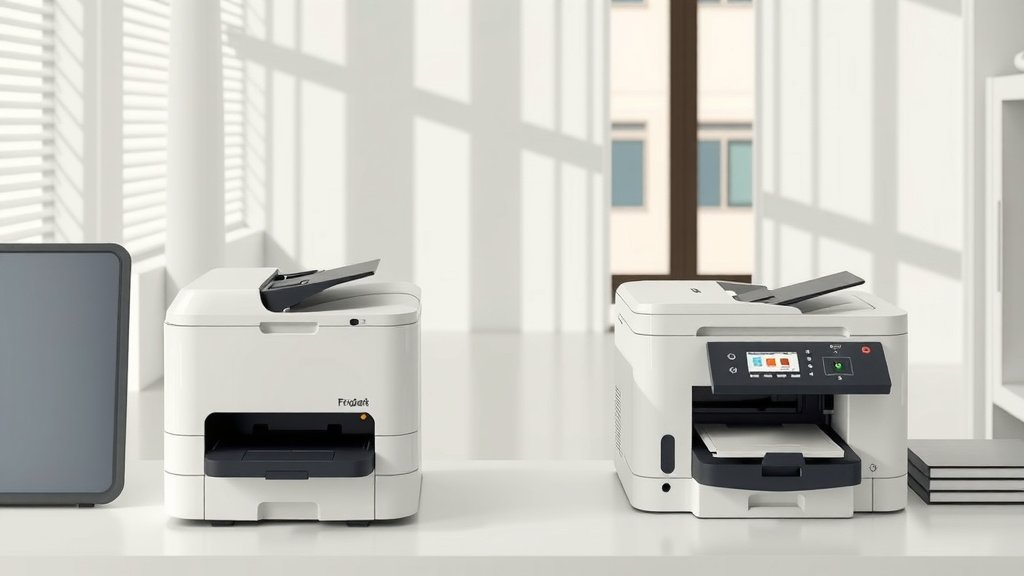
Laser printers are generally cheaper to operate long-term, while inkjet printers cost less upfront but have higher per-page printing costs.
If you print frequently, laser wins on cost. If you print rarely, inkjet is often the better choice financially.
The Real Cost Breakdown
You’re standing in the store staring at two printers. The inkjet costs $50. The laser costs $200. Easy choice, right? Not so fast.
The sticker price tells only half the story. The real question isn’t what you pay today. It’s what you’ll spend over the next few years printing.
Upfront Costs
Inkjet printers win the upfront battle hands down. You can grab a decent inkjet for $30 to $100. Basic models work fine for most home users.
Laser printers start around $100 for basic black-and-white models. Color lasers begin at $200 and climb fast. Some reach $500 or more.
Per-Page Costs Tell the Real Story
Here’s where things flip. Research from PCMag shows inkjet cartridges cost 15 to 25 cents per page. Laser toner runs 2 to 5 cents per page.
Think about it like buying coffee. The expensive coffee maker saves money if you drink coffee daily. The cheap one costs more if you’re always buying pods.
Black and White Printing
Laser printers dominate black text printing. Toner lasts much longer than ink. You get thousands of pages from one cartridge.
Inkjet cartridges run dry faster. They also dry out if you don’t print regularly. That’s money down the drain.
Color Printing Comparison
Color changes the game slightly. Inkjets produce better photo quality on the right paper. But they’re still expensive per page.
Color laser printers cost more upfront but maintain low per-page costs. They’re perfect for business documents with charts and graphics.
When Inkjet Makes Financial Sense
Don’t write off inkjets yet. They work great for specific situations.
Light Printing Users
Do you print less than 20 pages monthly? Inkjet probably saves money. The low upfront cost outweighs the higher per-page expense.
Students printing occasional assignments fit this category. So do families who mostly print boarding passes and recipes.
Photo Printing Needs
Serious photo printing favors inkjets. They handle different paper types better. Colors look more natural on photo paper.
Professional photo inkjets use 6 to 12 ink colors. This creates smooth gradients and accurate skin tones.
Specialty Paper Handling
Inkjets print on almost anything. Cardstock, envelopes, photo paper, fabric transfers. Lasers are pickier about paper types.
When Laser Wins on Cost
Laser printers shine for regular users. The math works in your favor quickly.
Office and Business Use
Print more than 50 pages monthly? Laser saves money fast. Businesses printing hundreds of pages see massive savings.
I found that offices often recover laser printer costs within six months through toner savings.
Speed and Efficiency
Time equals money. Laser printers warm up faster and print much quicker. No waiting around for pages to dry.
Inkjets can be painfully slow. Each page takes time as the print head moves back and forth. Laser printers work like copy machines.
Reliability Factors
Laser printers need less maintenance. Toner doesn’t dry out like ink does. You won’t face clogged print heads or cleaning cycles.
Hidden Costs You Should Know
Both printer types have sneaky expenses that pop up later.
Inkjet Hidden Expenses
Replacement cartridges shock many buyers. Some cost almost as much as the printer itself. Third-party cartridges help but quality varies.
Print head cleaning wastes ink. Your printer runs automatic cleaning cycles that use expensive ink without printing anything useful.
Paper Requirements
Inkjets work best with specific paper types. Cheap paper causes bleeding and poor quality. Premium paper costs more but looks better.
Laser Printer Extras
Laser printers need toner and drum replacements. Drums last longer than toner but cost $50 to $150 when replacement time comes.
Some budget lasers combine toner and drum units. This simplifies replacement but increases per-page costs.
Making the Smart Choice
Your printing habits determine the winner. Let’s break this down simply.
Calculate Your Break-Even Point
Take the price difference between printers. Divide by the per-page cost difference. That’s your break-even point in pages.
Example: $150 laser minus $50 inkjet equals $100 difference. Laser saves 15 cents per page. You break even at 667 pages.
Monthly Usage Guide
Under 25 pages monthly: Inkjet probably wins
25-100 pages monthly: Close call, consider other factors
Over 100 pages monthly: Laser usually saves money
| Usage Level | Best Choice | Why |
|---|---|---|
| Under 25 pages/month | Inkjet | Low upfront cost matters most |
| 25-100 pages/month | Either | Consider speed and convenience |
| Over 100 pages/month | Laser | Per-page savings add up fast |
Quality Considerations
Both technologies produce good results for their intended uses. Laser excels at crisp text and business graphics. Inkjet wins for photos and artistic prints.
Don’t let anyone tell you one is always better. The best printer matches your actual needs.
Money-Saving Tips
Want to cut costs regardless of your choice? These tricks help with both printer types.
Smart Shopping Strategies
Buy printers when retailers clear old models. You’ll save money without losing much functionality. Last year’s model prints just as well.
Check replacement costs before buying. Some cheap printers use expensive cartridges. That $30 printer might cost $60 to refill.
Subscription Services
HP, Canon, and others offer ink subscription services. You pay monthly based on page count. This works well for consistent users.
These services prevent running out of ink at bad times. They also offer slight per-page savings over retail cartridge prices.
Maintenance Saves Money
Print something weekly, even if it’s just a test page. This prevents ink from drying out and clogging print heads.
Use your printer’s draft mode for internal documents. You’ll use less ink or toner without sacrificing readability.
Conclusion
The cheapest printer depends entirely on how you use it. Inkjets win for light users and photo printing. Lasers dominate for regular document printing.
Stop focusing on sticker price alone. Calculate your true costs based on actual printing needs. The printer that costs more upfront often saves money over time.
Most families print less than they think. Track your usage for a month before deciding. You might be surprised how little you actually print.
Remember, the best printer is the one you’ll actually use without breaking your budget. Choose based on your real needs, not what sounds good in theory.
Which printer type lasts longer, laser or inkjet?
Laser printers typically last longer due to fewer moving parts and more robust construction. They’re built for higher volume printing and often run for 5-10 years with proper maintenance. Inkjets usually last 3-5 years before mechanical parts wear out or become too expensive to repair.
Can I use generic cartridges to save money on inkjet printers?
Yes, generic cartridges can cut costs by 50-70% compared to brand-name cartridges. Quality varies between manufacturers, so read reviews first. Some printer warranties may not cover damage from third-party cartridges, though this is rare in practice.
Do laser printers work well in humid climates?
Laser printers handle humidity better than inkjets because toner is powder-based and doesn’t absorb moisture. Inkjet cartridges can suffer from humidity affecting ink flow and paper can jam more frequently in very humid conditions.
What’s the environmental impact difference between laser and inkjet?
Inkjets generally use less energy during operation but create more plastic waste through frequent cartridge replacements. Laser printers consume more electricity but toner cartridges last much longer, reducing overall waste. Both types can be recycled through manufacturer programs.
Should I turn my printer off between uses to save money?
For inkjets, leave them on or use sleep mode to prevent ink from drying out. Frequent power cycling can actually waste more ink through cleaning cycles. Laser printers can be turned off safely since toner doesn’t dry out, potentially saving a few dollars annually on electricity costs.