Is Inkjet Better Than Laser for Photo Printing?
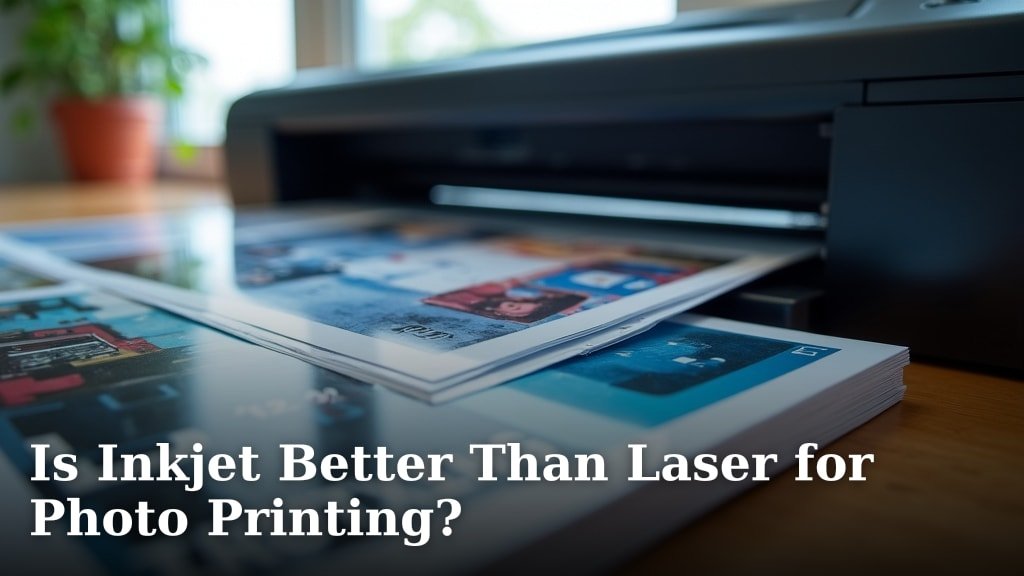
For photo printing, inkjet printers are generally better than laser printers. This is because inkjet technology is specifically designed to handle the complex color blending and detail needed for high-quality images.
You might wonder why this is the case, especially with so many printer options out there. We found that inkjet printers excel at reproducing a wide range of colors and subtle gradations. This makes your photos look more vibrant and true-to-life.
- Inkjet printers are superior for photo quality.
- They offer better color depth and detail.
- Laser printers are best for text and graphics.
- Ink costs can vary greatly between printer types.
Let’s dive into the details and help you understand why inkjet printers are often the best choice for your photographic masterpieces.
Inkjet vs. Laser: Which Printer Reigns Supreme for Your Photos?
Inkjet printers are typically the better choice for photo printing due to their superior color reproduction and detail. Laser printers, while excellent for text, fall short when it comes to photographic quality.
You’re probably asking, “Why all the fuss about printer types?” Well, it comes down to how they put ink on the paper. Each technology has its strengths and weaknesses, especially when you want to print those cherished memories.
The Inkjet Advantage: Why It Excels with Photos
When it comes to printing photos, inkjet printers truly shine. They work by spraying tiny droplets of liquid ink onto the paper. This method allows for incredible precision and a wide range of colors. We found this precision is key for capturing subtle photographic details.
Color Depth and Accuracy
One of the biggest reasons inkjets win for photos is their ability to produce a vast spectrum of colors. They often use multiple ink cartridges, sometimes including light cyan, light magenta, and even gray inks, in addition to the standard CMYK (cyan, magenta, yellow, black). This expanded color palette helps create smoother color transitions and more realistic images (PCMag).
Think of it like an artist mixing paints. The more colors they have on their palette, the richer and more nuanced their painting can be. Inkjet printers are similar, offering a broader “color gamut” compared to laser printers.
Handling Different Paper Types
Inkjet printers are also more versatile with paper. You can use various photo papers – glossy, semi-gloss, matte – which significantly impacts the final look of your print. These papers are designed to absorb the liquid ink and showcase colors beautifully. We found that pairing the right paper with your inkjet can elevate your photo quality dramatically.
Laser Printers: Where They Fall Short for Photography
Laser printers operate differently. They use toner, which is a fine powder, and a heated fuser to bond that powder to the paper. While this process is fantastic for sharp text, it’s not ideal for photographic images.
Limited Color Range and Detail
The biggest drawback for laser printers in photo printing is their limited color range. They typically use only four toner colors (CMYK). This restricts their ability to reproduce the subtle gradients and vibrant hues that photos demand. You might notice colors look less natural or “flat.”
Because toner is a powder, it doesn’t blend as seamlessly as liquid ink. This can lead to a slightly grainy look in photos, especially in areas with smooth color transitions. We found that photographs from laser printers often lack the fine detail and depth you’d expect.
Paper Compatibility Issues
Laser printers also struggle with many types of photo paper. The heat from the fuser can sometimes damage special coatings on photo paper, leading to streaking or a melted appearance. We found that standard glossy photo papers are often incompatible with laser printer technology.
Cost Considerations: Ink vs. Toner
The cost of consumables is always a factor, right? It’s not just about the printer’s price tag, but what you’ll spend to keep it running. Both ink and toner cartridges can be expensive, but their per-page cost can differ significantly depending on what you print.
Inkjet Ink Costs
For photo printing, inkjet ink can seem pricey, especially if you’re printing many full-color images. Photos use a lot more ink per page than text documents. However, many modern inkjet printers, particularly those designed for photos, now offer high-capacity ink tanks. These refillable tanks drastically reduce the per-page cost, making photo printing much more affordable in the long run (Consumer Reports).
Laser Toner Costs
Laser toner cartridges often have a higher upfront cost than inkjet cartridges. However, for text-heavy documents, they typically yield a much lower cost per page. For photos, though, laser printers still consume more toner than you might think, and the quality often doesn’t justify the expense.
Speed and Volume: Does It Matter for Photos?
Printer speed is often touted as a major selling point, but how much does it really matter when you’re printing photos?
Inkjet Speed for Photos
Inkjet printers are generally slower than laser printers for bulk document printing. However, when printing a single, high-quality photograph, speed isn’t usually the primary concern. You’re looking for quality, not a race. We found that most people are willing to wait a few extra seconds for a beautifully reproduced photo.
Laser Speed for Photos
Laser printers are designed for speed and volume, especially for text and basic graphics in an office setting. While they can print photos quickly, the quality often leaves much to be desired. So, a fast, low-quality photo isn’t much of a win, is it?
A Quick Comparison: Inkjet vs. Laser for Photos
To help you see the differences at a glance, here’s a brief table summarizing how each printer type performs for photo printing:
| Feature | Inkjet Printer | Laser Printer |
|---|---|---|
| Photo Quality | Excellent (Vibrant, detailed) | Poor to Fair (Flat, less detail) |
| Color Accuracy | High (Wide color gamut) | Lower (Limited color gamut) |
| Paper Versatility | High (Various photo papers) | Low (Limited photo paper options) |
| Cost Per Photo | Can be high, but low with tanks | Generally higher for good results |
| Initial Printer Cost | Wide range (affordable to pro) | Often higher for color models |
Choosing the Right Inkjet Printer for Your Photos
So, you’ve decided an inkjet is the way to go for your photo printing. Great choice! But not all inkjets are created equal. Here are a few things to consider when you’re looking for your perfect photo printer:
- Number of Ink Cartridges: Look for printers with more than four ink colors (e.g., 6, 8, or even 10 inks). More colors mean better photo quality.
- Print Resolution (DPI): Higher DPI (dots per inch) generally means finer detail in your prints.
- Ink Tank System: Consider refillable ink tanks (like EcoTank or MegaTank) for significantly lower long-term ink costs.
- Paper Handling: Does it have a dedicated photo paper tray? Can it handle different paper sizes and thicknesses?
- Connectivity: Wi-Fi, mobile printing, and cloud connectivity can make printing much more convenient.
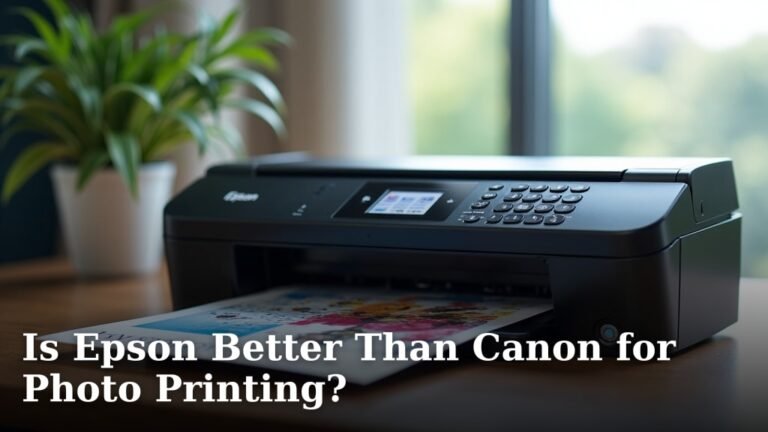
- Brand Reputation: Research brands known for photo quality, like Epson, Canon, and HP, for reliable performance.
By keeping these points in mind, you can select an inkjet printer that will truly do justice to your cherished photographs.
Conclusion
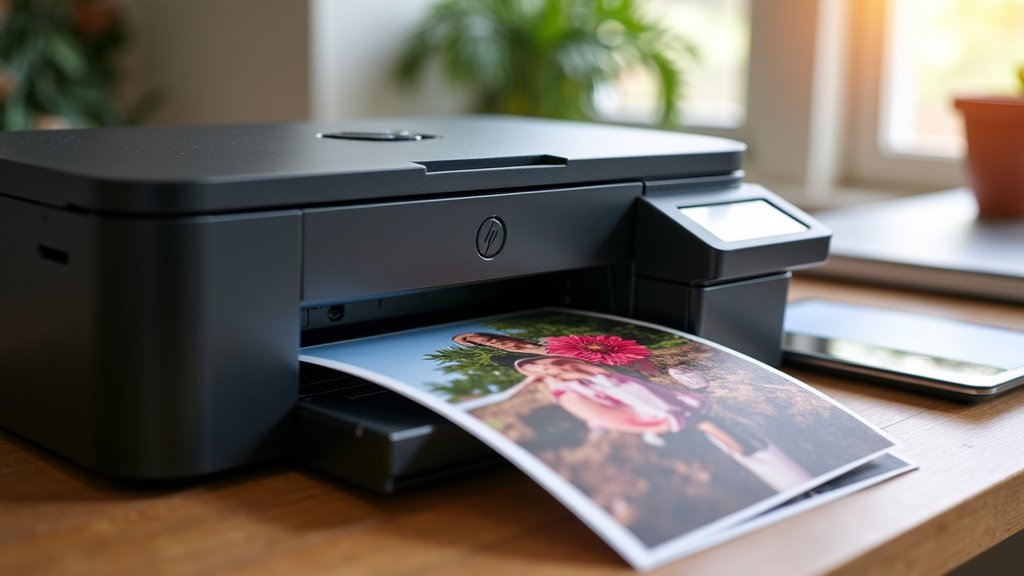
When it comes to immortalizing your memories on paper, inkjet printers are the clear winners for photo printing. You’ve seen how their liquid ink, wider color gamut, and compatibility with specialized photo papers give them a distinct advantage over laser printers. While laser printers excel at text, they simply can’t reproduce the vibrant colors and fine details your photos deserve. So, if beautiful prints are your goal, an inkjet printer designed for photos is your best bet.
Consider your printing needs carefully. If you’re ready to see your photos truly shine, start exploring inkjet models with multiple ink cartridges and ink tank systems for the best results and long-term value.
Frequently Asked Questions
Can I use photo paper in a laser printer?
While some specialized laser photo papers exist, most standard glossy photo papers are not suitable for laser printers. The heat from the fuser can damage the paper’s coating, leading to poor print quality, streaking, or even damage to your printer. It’s best to check your printer’s manual.
Are photo inkjet printers expensive to run?
Traditionally, inkjet ink could be costly, especially for frequent photo printing. However, many modern inkjet printers now feature refillable ink tank systems. These systems significantly reduce the cost per page, making them much more economical for printing lots of photos in the long run.
Will a cheap inkjet printer print good photos?
A basic, inexpensive inkjet printer might print acceptable photos for casual use. However, for truly high-quality prints with vibrant colors and fine detail, you’ll generally need an inkjet printer with more ink cartridges (like 6 or 8 colors) and a higher print resolution. We found that investing a bit more upfront often yields much better photographic results.
What’s the main difference in how inkjets and lasers put images on paper?
Inkjet printers spray tiny droplets of liquid ink onto the paper, allowing for precise color mixing and detail. Laser printers use a fine powder (toner) that is fused to the paper with heat. This powder-based process isn’t as good at creating smooth color gradients and fine photographic detail.
Do I need special ink for photo printing in an inkjet?
Most inkjet printers use specific dye-based or pigment-based inks, and for photos, printers often use a wider range of colors than just the basic CMYK. Some photo-specific inkjet printers also use “light” versions of colors (like light cyan, light magenta) or gray inks to improve tonal range and reduce graininess in images. Always use the ink recommended by your printer manufacturer.