Epson F170 Sublimation Printer Review: Worth It? (October 2026)
The Epson SureColor F170 is a purpose-built desktop sublimation printer for crafters and small businesses printing transfers for compatible soft and rigid materials. Its 150-sheet tray and included Epson sublimation ink simplify the starting setup, but it prints only and doesn't support mobile devices.
On this page (8 sections)
The Epson SureColor F170 is a dedicated desktop sublimation printer for making transfers for compatible soft and rigid materials. It comes with Epson sublimation ink and starter supplies, plus a 150-sheet auto-feed tray, but it prints only and doesn't connect to mobile devices.
The F170 fits a craft bench or small business that can prepare artwork on a Mac or Windows computer and wants a printer made for sublimation. If your main need is phone photos or everyday documents, a photo printer or all-in-one inkjet is a closer fit.
What does the Epson F170 do?
The F170 prints dye-sublimation transfers using genuine Epson sublimation ink. Epson describes the printer as optimized for soft and rigid materials, including projects such as awards, mugs and mousepads.
Johnson Plastics Plus Epson SureColor F170 Dye-Sublimation Printer.: Best for desktop sublimation transfers

- Purpose-built dye-sublimation printer
- 150-sheet auto-feed tray
- Full set of Epson sublimation inks
- Mac and Windows setup
A compact, print-only dye-sublimation printer supplied with Epson sublimation ink and starter materials. It fits buyers who want a dedicated desktop workflow and can print from a Mac or Windows computer.
Pros
- Genuine Epson sublimation ink included
- 150-sheet auto-feed tray with a closed, dust-resistant design
- Auto-stop ink bottles
- Starter kit includes paper and thermal tape
Cons
- Mobile device connection isn't supported
- Print-only, with no scan or copy function
- Maximum media width is 8.5 in
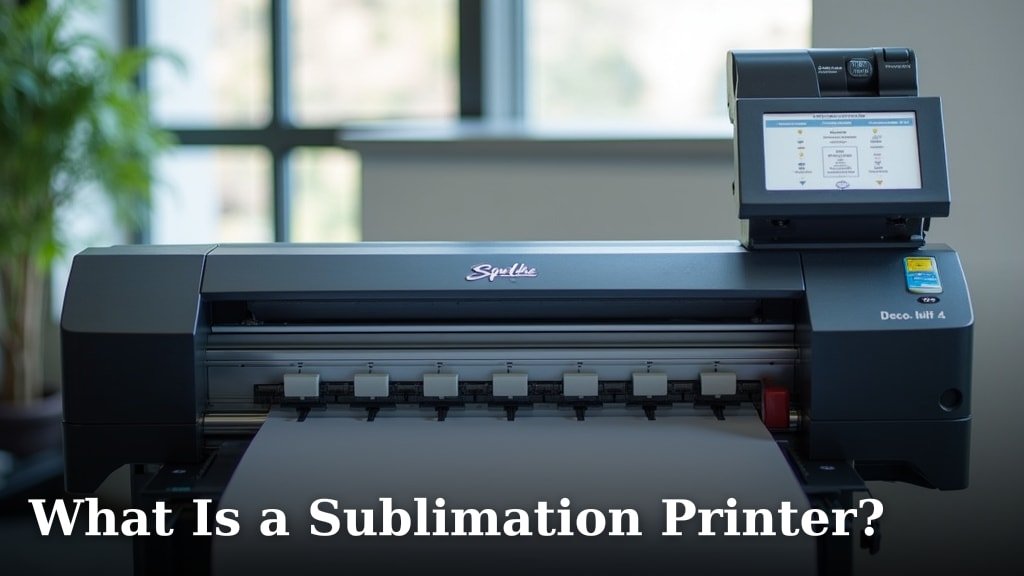
A sublimation printer is part of a transfer process: you print an image onto suitable paper, then use heat to transfer it to a compatible blank. The What Is a Sublimation Printer? guide explains the process and materials, which helps set expectations before you buy.
The included ink is certified under ECO PASSPORT by OEKO-TEX, a textile-industry safety standard described in the product information. That certification relates to the ink; it doesn't mean every blank, coating or finished item is suitable for every use.
What comes with the F170 bundle?
The bundle includes the printer, a full set of Epson sublimation ink and basic starter materials. That can reduce the number of separate items you need to gather for an initial project.
| Included item | Why it matters |
|---|---|
| Epson sublimation ink | Ink made for the printer's dye-sublimation workflow |
| Sublimation starter kit | Initial materials for getting started |
| 8.5 x 11 in sublimation paper | Common sheet size for smaller artwork |
| 8.5 x 14 in sublimation paper | Longer sheet option |
| Thermal tape | Helps secure a transfer during preparation |
| User guide and power cable | Basic setup materials |
The F170 uses ink bottles with auto-stop technology for refills. Its 150-sheet auto-feed tray is enclosed to help keep paper protected from dust, which can reduce paper preparation between jobs.
The supplied bundle includes two paper sizes, but the printer's maximum media width is 8.5 in.
See large print sublimation printers. Check your artwork dimensions and the blank's transfer area before choosing a layout.
Is the Epson SureColor F170 easy to set up?
The F170 is described as a user-friendly setup for Mac and Windows, with ink bottles designed to stop automatically during filling. It isn't set up for mobile printing, so make sure a computer-based workflow suits your workspace.
Before your first job, read the user guide and follow the printer's setup steps. Use the correct sublimation paper and ink, and confirm your computer can send a print job to the printer.
Allow space for loading paper and handling transfers near the printer. The F170 measures 13.7 in deep, 14.8 in wide and 7.4 in high, which gives a starting point for checking a shelf or desk.
How good is the F170 for craft projects?
The F170's main strength is that its ink and print workflow are designed for dye-sublimation transfers. Epson's description highlights PrecisionCore technology and materials such as textiles and rigid blanks, but actual results also depend on artwork, transfer settings, blank quality and heat-press handling.
It's a print-only machine. You will still need compatible blanks and a suitable heat-transfer process, so include those in your workspace plan.
The tray capacity can help if you prepare multiple sheets for a project session. Its closed design also keeps the paper stored inside the printer between jobs.
For project ideas that center on finished pictures, compare the needs in Best Sublimation Printer For Photos. For apparel transfers, Best Sublimation Printer For T-Shirts covers the different size and workflow considerations.
What are the F170's main limits?
The F170's clearest limits are no mobile connection, no scanning or copying, and an 8.5 in maximum media width. Those trade-offs are straightforward if you want a dedicated transfer printer and already have a computer workflow.
It isn't an all-purpose home printer. You won't use it to scan paperwork or make routine copies, and it doesn't replace an everyday inkjet for general home documents.
The Liene M100 is a thermal dye-sublimation photo printer, but it is built for 4 x 6 in photo output. Its process shares the term “dye-sublimation,” though its purpose and media are different from a craft-transfer printer.
The Epson EcoTank ET-2803 is a color inkjet all-in-one with print, scan and copy functions.
See sublimation ink for Epson ET-2800. It supports wireless and mobile printing, but it is not a purpose-built sublimation printer.
How does the F170 compare with other sublimation printers?
Compare the F170 with another dedicated sublimation model by checking supported media, included ink, computer compatibility and the workflow you plan to use.
See sublimation ink for Epson ET-15000. The Sawgrass SG500 sublimation printer review is a useful next comparison if you're weighing another desktop option.
The F170 bundle stands out for including Epson sublimation ink, paper in two sizes, tape and a starter kit. Those included supplies are useful for getting a basic setup together, but they don't tell you which printer best fits your project volume or preferred software.
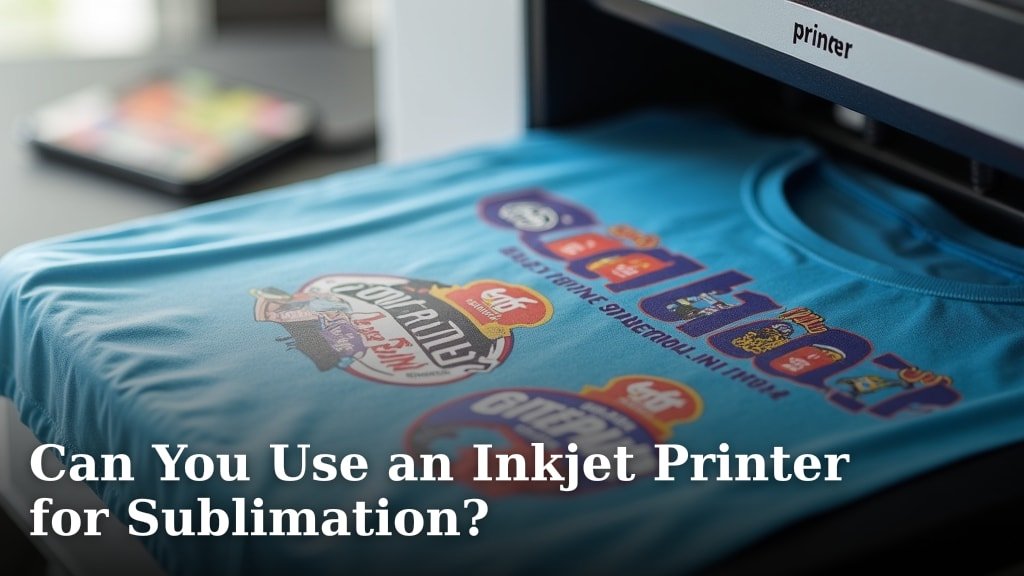
If you are considering converting a standard inkjet instead, first read Can You Use an Inkjet Printer for Sublimation?. The printer, ink and maintenance approach can differ from buying a machine built for sublimation.
Shoppers still deciding between printer types can also consult Best Inkjet Printer For Sublimation, then check whether each model is designed for transfers or would need a conversion.
Who should buy the Epson F170?
Choose the F170 if you want a desktop sublimation printer with Epson ink and starter supplies and you can print from a Mac or Windows computer. Its compact dimensions and enclosed 150-sheet tray suit a dedicated craft or small-workshop area.
Look elsewhere if you need phone printing, scanning, copying or media wider than 8.5 in. The Liene M100 is for small photo prints, while the ET-2803 is for everyday inkjet tasks.
Our score weighs specs, features and buyer feedback against what you're shopping for.
Is the Epson F170 worth it?
The F170 is a strong fit when your priority is a purpose-built sublimation workflow with included Epson ink and starter materials. Pick it for craft transfers from a computer, the Liene M100 for 4 x 6 in photos, or the ET-2803 for routine home printing and scanning.
Before buying, confirm that 8.5 in maximum media width, print-only operation and computer-based setup match your plans. If they do, the F170's included paper, tape and ink help you begin with a focused desktop setup.
Frequently asked questions
Is the Epson SureColor F170 a sublimation printer?
Yes. The Epson SureColor F170 is a purpose-built desktop dye-sublimation printer that uses Epson sublimation ink.
It's designed for creating transfers for compatible soft and rigid materials, such as textiles, awards, mugs and mousepads; check material and transfer requirements before starting a project.
Can I print to the Epson F170 from my phone?
No, mobile device connection isn't supported for the F170. The bundle describes Mac and Windows setup, so plan to send print jobs from a compatible computer.
If phone-based printing is essential, compare printers built for mobile photo output, while keeping their different intended use in mind.
What comes with the Epson F170 bundle?
This Johnson Plastics Plus bundle includes the F170, a full set of Epson sublimation ink, user guide, power cable, starter kit, thermal tape, and sublimation paper in 8.5 x 11 in and 8.5 x 14 in sizes. Check the exact bundle contents when you buy, since packages can vary.
Can the Epson F170 scan or copy?
No. The F170 is a print-only model, so it doesn't scan or copy.
If you also need document scanning and copying for home or office use, an all-in-one inkjet such as the Epson EcoTank ET-2803 serves a different role; keep a dedicated sublimation printer for transfer work.