7 Best Handheld Inkjet Printers (November 2026)
The best handheld inkjet printers include the Phezer P15 Handheld Inkjet Printer for Flat for all-around marking, the JetPrintco 0.5 Inch Print Height Intelligent JC01 for long shifts, and the v4ink BENTSAI Handheld Inkjet Printer BT-HH6105B2 for mixed surfaces.
On this page (3 sections)
The best handheld inkjet printer for most marking jobs is the Phezer P15, with a 0.5 in nozzle, touch-screen editing and support for text, barcodes, QR codes, dates and logos. This guide helps you match that kind of direct marking to the surfaces and content you handle every day.
Choose BENTSAI for taller prints, JetPrintco for a light long-shift option, or the Phezer PC11 Plus when pocket-size portability matters. Each choice suits a different workflow, so the right pick depends less on a headline feature and more on how often you change content and where you print.
Handheld inkjet printers fill a different role from ordinary desktop label printers. You move the printer across a carton, bag, cable, board or other surface, so the useful features are print-height control, surface handling, code support, battery life and cartridge care.
That direct approach suits packages that already exist and need a date, batch code or logo added in place. It also suits irregular items that would be awkward to feed through a standard printer or cover with a pre-printed label.
Print height deserves close attention before you compare models. A compact range suits short codes and dates.
A taller range gives more room for larger text, multi-line marks and clearer logos, but it can make steady guidance more important.
Surface handling matters just as much as the content options. Porous materials such as cardboard and wood behave differently from smooth plastic, metal or glass.
A positioning plate or roller guide can help keep spacing even, especially on curved or uneven items.
Battery life and cartridge care shape real daily use. A stated operating time means little if you pause often to edit content or swap ink.
Capping the cartridge when idle and cleaning the print head as instructed helps prevent dry nozzles and patchy output.
Content editing is another practical split. Touch-screen editing suits quick changes to dates and short codes at the work area.
USB import suits teams that prepare images, fonts or variable data in advance and want repeatable results.
If you mainly need adhesive product labels, compare our guide to the Best Printer for Small Business before choosing a handheld coder. For product packaging, our comparison of the best printer for product label printing covers a different type of workflow.
Read the picks with your own materials in mind. Note which surfaces each model lists, the tallest mark it can make, and whether the included guides fit the boxes, bags or parts you mark most often.
Our picks at a glance
-
1
 Best for all-around marking
Phezer P15 Handheld Inkjet Printer for Flat
9.7/10 our score
See it on Amazon -
2
 Best for long shifts
JetPrintco 0.5 Inch Print Height Intelligent JC01
9.5/10 our score
See it on Amazon -
3
 Best for mixed surfaces
v4ink BENTSAI Handheld Inkjet Printer BT-HH6105B2
9.3/10 our score
See it on Amazon
- 4
 Check it
BENTSAI Handheld Inkjet Printer BT-HH6205BL 1 Inch
Best for tall batch codes - 5
 Check it
TIKTONER Handheld Inkjet Printer Printing Height 0.08-0.5Inch
Best for variable codes - 6
 Check it
Minssine Handheld Inkjet Printer Gun MS-Z10
Best for simple portable coding - 7
 Check it
Phezer Upgraded Mini Inkjet Printer for Flat
Best for pocket-size portability
The best handheld inkjet printers for marking packages
The Phezer P15 is the strongest all-around pick because it combines direct editing, broad surface support and a 2–12.7 mm height range. The other models are better when your priority is long battery life, taller text, variable codes or a smaller body.
That balance explains why the top pick suits mixed jobs. A small business may need a date on one carton, a barcode on the next and a logo on a bag later in the same session.
Direct editing and flexible height make those changes simpler.
Long shifts place a different demand on the printer. Weight, grip comfort and stated operating time matter when you repeat the same pass across many packages.
A lighter body can reduce fatigue, but taller output may still matter more for some codes.
Variable data work changes the comparison again. Printers that import files or support changing QR codes and batch data can save repeated manual editing.
That helps when every item needs a unique code rather than the same shared mark.
Our score weighs specs, features and buyer feedback against what you're shopping for. We checked the listed capabilities and compared how each model fits common package, product and workshop marking tasks.
Use the scores as a starting point, not as a substitute for your surface list. Check print height, included guides, cartridge type and language support against the exact jobs you plan to run.
That practical match is what makes a handheld printer useful day after day.
Phezer P15 Handheld Inkjet Printer for Flat: Best for all-around marking
- 0.5 in nozzle
- 2–12.7 mm print height
- 4.3 in LCD touch screen
- 42 ml quick-drying black ink cartridge
The Phezer P15 combines direct editing, a 0.5 in nozzle and broad surface support. It suits small businesses that need codes, dates and logos without connecting to an app or computer.
Pros
- 25 languages
- 360-degree printing
- 42 ml cartridge included
Cons
- Heavier than the smallest pick
- The 0.5 in nozzle limits print height
The Phezer P15 Handheld Inkjet Printer for Flat is the best fit when one printer needs to handle several marking jobs. Its 0.5 in nozzle supports print heights from 2 to 12.7 mm, while the print length has no stated limit.
The 4.3 in LCD touch screen lets you enter and edit content on the device. That matters when you need to change a date, batch number or short label at the work area instead of preparing every file on another device.
The P15 supports text, numbers, QR codes, barcodes, production dates, times and logos. It also supports 25 languages and 360-degree printing, which gives you more flexibility when the print direction changes around a package.
Its stated surface range includes paper, boards, cartons, stone, pipes, cables, metal, glass, plastic and cloth. A 2000 mAh rechargeable battery and 1.54 lb total weight make it portable, though it is not the lightest model here.
The included kit contains a 42 ml black quick-drying cartridge, charger, USB flash drive, stylus, plastic positioning plate and user manual. Pick it when you want direct control and broad marking options in one device.
JetPrintco 0.5 Inch Print Height Intelligent JC01: Best for long shifts
- 390 g weight
- Over 16 hours continuous operation
- 300-nozzle system
- 2–5 second drying time
The JetPrintco JC01 is a light 0.5 in handheld printer with a stated operating time of over 16 hours. Its USB import and included positioning accessories fit repeated packaging work.
Pros
- Lightweight body
- Protective suitcase included
- 25 language options
Cons
- Limited to 0.5 in print height
- Black ink only in the included cartridge
The JetPrintco JC01 is the best handheld inkjet printer for long shifts that need a light body. It weighs 390 g and is designed for 0.5 in printing, so it fits standard short codes and package marks rather than tall multi-line graphics.
JetPrintco states over 16 hours of continuous operation on one charge. That makes the JC01 a strong choice for warehouse or production work where stopping to recharge would interrupt the marking process.
Its 300-nozzle system supports printing on plastic, carton, metal, wood, glass, aluminum, foam and curved surfaces. The included 42 ml solvent-based cartridge is described as drying in 2–5 seconds.
USB import supports TTF, PNG, JPG and BMP files. A 4.3 in touch screen and 25 language options help teams prepare content directly on the device, while the included wrist strap, positioning plate, stabilizing roller, charger and USB flash drive support mobile use.
Choose the JC01 when weight and operating time matter more than a taller print range. The 0.5 in limit is enough for many package marks, but it is less flexible than the 1 in BENTSAI below.
v4ink BENTSAI Handheld Inkjet Printer BT-HH6105B2: Best for mixed surfaces
- 1–5 lines
- Up to 0.5 in print height
- 15.98 in maximum single print
- 42 ml quick-drying black ink
The BENTSAI BT-HH6105B2 fits buyers who mark both porous and non-porous materials. It supports images, codes and 1–5 lines while adding a roller guide and metal positioner.
Pros
- 600 dpi resolution
- Up to 2 million characters per cartridge
- Protective aluminum box included
Cons
- Shorter stated endurance than the top two
- Print height remains under 0.5 in
The v4ink BENTSAI BT-HH6105B2 suits buyers who need to mark both porous and non-porous surfaces. It supports carton, wood, shirts, cement, plastic, metal, aluminum, glass, leather and ceramic, including flat or curved materials.
This model prints 1–5 lines with a maximum height of 0.5 in and a maximum single-print length of 15.98 in. Its stated resolution is 600 dpi, and it can print small text, dates, batch numbers, QR codes, Data Matrix codes, barcodes, logos and pictures.
The 4.3 in LED touch screen supports 25 languages. A roller guide, metal positioner and photoelectric sensor help guide the printer across a surface, while the ergonomic handle is intended for handheld use.
The included 42 ml black quick-drying cartridge is described as waterproof and capable of printing up to 2 million characters. Keep its protective cap in place when the printer is not in use to help reduce clogging.
The stated endurance is over 8 hours. Choose this model when material variety and the included guide hardware matter more than the longest battery claim.
BENTSAI Handheld Inkjet Printer BT-HH6205BL 1 Inch: Best for tall batch codes
- 0.03–1 in print height
- Up to 10 lines
- Over 16 hours operation
- Five-roller system
The BT-HH6205BL is the strongest fit for taller text and multi-line coding. Its adjustable 1 in range gives you more room for large marks than the other compact picks.
Pros
- Up to 10 lines
- Over 16 hours of operation
- Five-roller design
Cons
- Heavier than the JetPrintco JC01
- Handheld only package
The BENTSAI BT-HH6205BL is the best choice for taller marks and more lines. Its adjustable print height runs from 0.8 mm to 25.4 mm, or about 0.03–1 in, and it supports up to 10 lines of text.
That extra height helps when a single short line is not enough for a batch code, date, logo or other package information. It also supports QR codes, pictures and variable data on wood, cardboard, plastic, polyethylene, metal, glass, ceramic, aluminum foil and concrete.
BENTSAI gives this model over 16 hours of operation. The five-roller system is designed to make movement smoother and more stable than a standard three-roller design, which can matter when you guide the printer across a long carton.
The package includes the handheld printer, a 42 ml quick-drying black cartridge, metal positioner, roller guide and Type-C cable. The listed weight is 410 g, so it remains portable while offering more print height than the smaller models.
Choose the BT-HH6205BL when large or multi-line marks are central to the job. If you only need a compact date or short barcode, the 0.5 in options may be easier to manage.
TIKTONER Handheld Inkjet Printer Printing Height 0.08-0.5Inch: Best for variable codes
- 0.08–0.5 in print height
- Variable QR codes and barcodes
- 1–5 lines
- 42 ml black cartridge
TIKTONER suits warehouses and workshops that change dates, lot numbers or codes often. USB import and 25 language options make it useful for repeatable variable-data work.
Pros
- Variable QR code support
- Wide material range
- 4.3 in touch screen
Cons
- No stated battery capacity
- Black monochrome output
The TIKTONER handheld printer fits variable-data work in warehouses, retail areas, logistics operations and design workshops. Its print height ranges from 0.08 to 0.5 in, with support for 1–5 lines.
It can print text, production dates, expiry dates, QR codes, barcodes, lot numbers, batch numbers and pictures. USB import supports changing content, including variable QR codes for one-item, one-code workflows.
The 42 ml black cartridge is described as printing up to 2,000,000 characters at the minimum 2.5 mm font size. The printer also supports 25 languages and uses a 4.3 in touch screen.
TIKTONER lists cardboard, wood, carton, fabric, clothing, cement, plastic, metal, aluminum, glass, leather and ceramic among its usable materials. A metal positioner can improve print performance on curved, uneven or rough surfaces.
Choose it when the job changes often and USB file import is useful. The available data does not state a battery capacity, so confirm expected operating time if you need a full-shift cordless workflow.
Minssine Handheld Inkjet Printer Gun MS-Z10: Best for simple portable coding
- 0.078–0.5 in print height
- 1–5 lines
- 300, 400 and 600 dpi
- 42 ml quick-drying black ink
The MS-Z10 offers a straightforward portable setup for text, dates, logos, QR codes and barcodes. Its positioning plate can help when you mark curved or uneven surfaces.
Pros
- Multiple resolution settings
- USB image import
- Suitcase packing included
Cons
- Ink is not permanent
- No stated battery capacity
The Minssine MS-Z10 is a practical pick for portable text and code marking. It prints from 0.078 to 0.5 in, supports 1–5 lines and offers 300, 400 and 600 dpi settings.
The 42 ml black water-based cartridge is quick-drying, but the ink is not permanent. That distinction matters if a package will face moisture, handling or long-term storage, so match the ink to the surface and the lifespan you need.
The MS-Z10 supports text, QR codes, barcodes, dates and logos in BMP, JPG and PNG formats. You can edit directly on the 4.3 in touch screen or import content through USB.
Its listed materials include carton boxes, metal boards, wood, glass and curved surfaces. The auxiliary positioning plate can help keep movement controlled when the surface is not flat.
At 1.2 lb, it is portable but heavier than the 390 g JetPrintco. Pick it for a simple touch-screen workflow with several resolution choices, and check the battery details before planning long sessions.
Phezer Upgraded Mini Inkjet Printer for Flat: Best for pocket-size portability
- 0.55 lb weight
- 4.33 x 1.85 x 2.87 in body
- 2–12.7 mm print height
- 25 languages
The Phezer PC11 Plus is the smallest choice here for portable marking. It suits users who need direct editing and code printing in a pocket-size body.
Pros
- Lightest option
- 360-degree printing
- Works on flat and curved surfaces
Cons
- Smaller body may be less comfortable for long sessions
- No stated battery capacity
The Phezer PC11 Plus is the best handheld inkjet printer for pocket-size portability. It weighs 0.55 lb and measures 4.33 x 1.85 x 2.87 in, making it much smaller than the full-size handheld printers here.
Its print height adjusts from 2 to 12.7 mm. It supports text, labels, numbers, QR codes, barcodes, production dates, times and logos on paper, boards, cartons, stone, pipes, cables, metal, glass, plastic and cloth.
The PC11 Plus has a small LCD touch screen and an independent system for editing content without an app, computer or phone. It supports 25 languages and 360-degree printing for marks placed in different directions.
A 42 ml black quick-drying cartridge is included. The model also supports flat and curved surfaces, which gives the small body a broader role than a pocket label maker.
Choose it when you carry the printer between work areas or need a compact marking tool. Its small size may be less comfortable for long jobs, and the available details do not state a battery capacity.
How should you choose a handheld inkjet printer?
Choose a handheld inkjet printer by print height first, then match the ink, surface support, content tools and battery details to your workflow. A 0.5 in printer handles many short codes, while a 1 in model gives more room for tall text and up to 10 lines.
What print height do you need?
A 0.5 in range is suitable for short dates, batch numbers, barcodes, logos and compact product marks. The Phezer P15, JetPrintco JC01, v4ink BENTSAI, TIKTONER and Minssine models all fit this general class.
The BENTSAI BT-HH6205BL reaches 1 in and supports up to 10 lines. Choose it when the mark needs more vertical space instead of choosing a smaller printer and shrinking the text.
Which surfaces can it mark?
Check the surface list against the materials you actually use. The products here cover combinations of carton, cardboard, wood, plastic, metal, glass, fabric, ceramic, stone and curved materials.
Flat boxes are usually easier to guide than pipes, cables or uneven bags. A positioning plate, roller guide or stabilizing roller can help you keep the print path more consistent, but the correct movement still depends on the surface.
Do handheld printers replace label printers?
They don't fully replace a dedicated label printer. A handheld coder marks directly on an existing package, while a label printer usually creates adhesive labels for a planned size and layout.
The difference shows up in workflow and finish. Direct marking adds information to the item itself, which suits cartons, bags and parts that are already packed.
Adhesive labels suit planned products where a clean, uniform sticker is the goal.
Neither option is automatically better. Direct marking avoids label stock and placement steps, but it depends on your hand movement for spacing and alignment.
A label printer gives repeatable placement, but it needs compatible labels and a settled design.
If your main job is printing product stickers, start with Best Printers for Product Labels. That route fits planned packaging where the label size, material and layout are already decided.
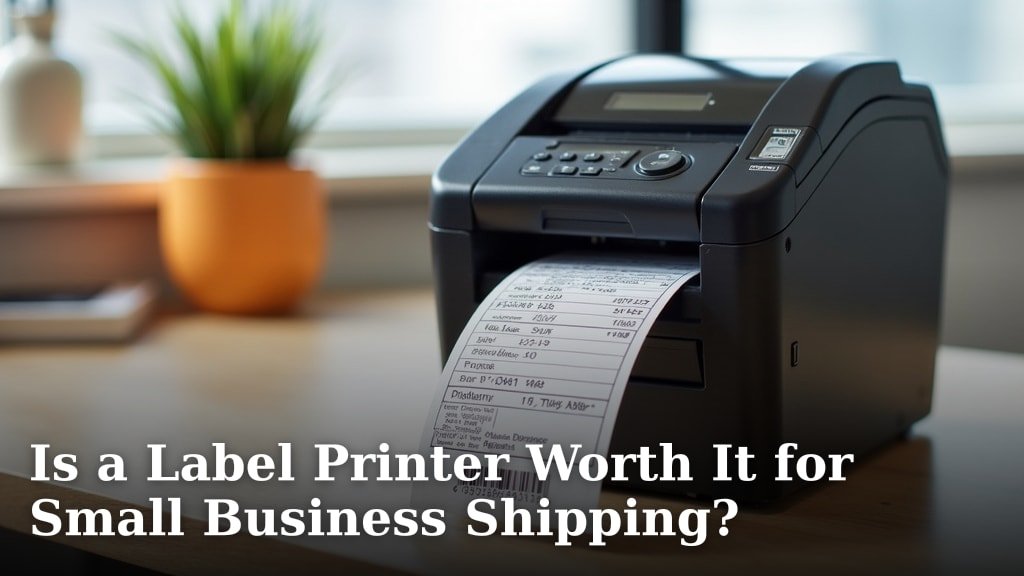
If you ship often, read Is a Label Printer Worth It for Small Business Shipping? before choosing between direct marking and adhesive labels. Shipping work often needs scannable, uniform labels rather than a hand-guided code on a box.
Consider volume and changeover as well. Frequent short runs with changing dates may suit a handheld coder.
Steady runs of the same label may suit a dedicated printer with fixed output.
Also check ink behaviour on your material. Quick-drying ink helps on smooth surfaces, but the listed surface range is the safer guide.
Test a small mark on scrap packaging before committing to a full batch.
How should you prepare the content?
Use direct touch-screen editing when you need to change a date or short code at the workbench. USB import is more useful when a team shares prepared images, fonts or variable data files.
For a quick introduction to the printing process, see How Does An Inkjet Printer Work?. You can also compare the broader features of a good inkjet setup in What Is A Good Inkjet Printer?.
What is the best handheld inkjet printer for your job?
The best handheld inkjet printer for general marking is the Phezer P15. Its touch screen, 2–12.7 mm range, 25 languages and broad material support make it the most flexible choice in this group.
That flexibility suits small businesses with varied daily jobs. You can change a date or batch number on the device, print a QR code or barcode, and move between carton, plastic, metal, glass and cloth without setting up a separate system.
Pick the JetPrintco JC01 for a light printer with over 16 hours of stated operation. Its 390 g body and included positioning accessories suit warehouse and production work where weight and endurance matter during long sessions.
Choose the BENTSAI BT-HH6105B2 for mixed porous and non-porous materials. Its roller guide, metal positioner and support for images and codes help when the job moves between cardboard, wood, plastic, metal, glass and curved items.
Choose the BT-HH6205BL when you need up to 1 in print height and 10 lines. That extra vertical range suits taller batch codes, larger logos and multi-line package information that would feel cramped on a 0.5 in model.
For variable QR codes and batch data, TIKTONER is the more focused choice. USB import and support for changing codes suit warehouses and workshops where each item may need different information.
Minssine fits simple portable coding, while the Phezer PC11 Plus is the easiest pick to carry in a pocket. The Minssine offers several resolution settings and a positioning plate for curved surfaces.
The PC11 Plus suits users who move between work areas and value a very small body.
Match the final choice to your tallest mark first. Then check surface support, battery claims and cartridge care for the way you actually work.
That order keeps the printer suited to your job instead of forcing your job to fit the printer.
Our top 3 picks at a glance
-
1
Best for all-around marking
Phezer P15 Handheld Inkjet Printer for Flat
9.7/10 our score
See it on Amazon -
2
Best for long shifts
JetPrintco 0.5 Inch Print Height Intelligent JC01
9.5/10 our score
See it on Amazon -
3
Best for mixed surfaces
v4ink BENTSAI Handheld Inkjet Printer BT-HH6105B2
9.3/10 our score
See it on Amazon
Frequently asked questions
What is the best handheld inkjet printer for product labels?
The Phezer P15 is the best handheld inkjet printer in this group for broad product-label work. It supports text, QR codes, barcodes, dates and logos, with 2–12.7 mm print height and a 4.3 in touch screen.
Choose a standard label printer if you only print adhesive labels on sheets or rolls.
Can a handheld inkjet printer print on curved surfaces?
Yes, several handheld inkjet printers here support curved surfaces. The Phezer P15, BENTSAI BT-HH6105B2, BENTSAI BT-HH6205BL, TIKTONER and Minssine models list materials such as plastic, metal, glass, wood or other uneven surfaces.
Use the positioning guide when the surface is hard to follow.
What can a handheld inkjet printer print?
A handheld inkjet printer can print text, dates, batch numbers, lot codes, QR codes, barcodes, logos and images, depending on the model. The Phezer P15 supports direct touch-screen editing, while several other picks support USB imports for files such as JPG, PNG or BMP.
Is a handheld inkjet printer good for shipping labels?
A handheld inkjet printer is better for marking boxes, bags and packages than for producing full standard shipping labels. It can add dates, batch codes, logos or short text to a package.
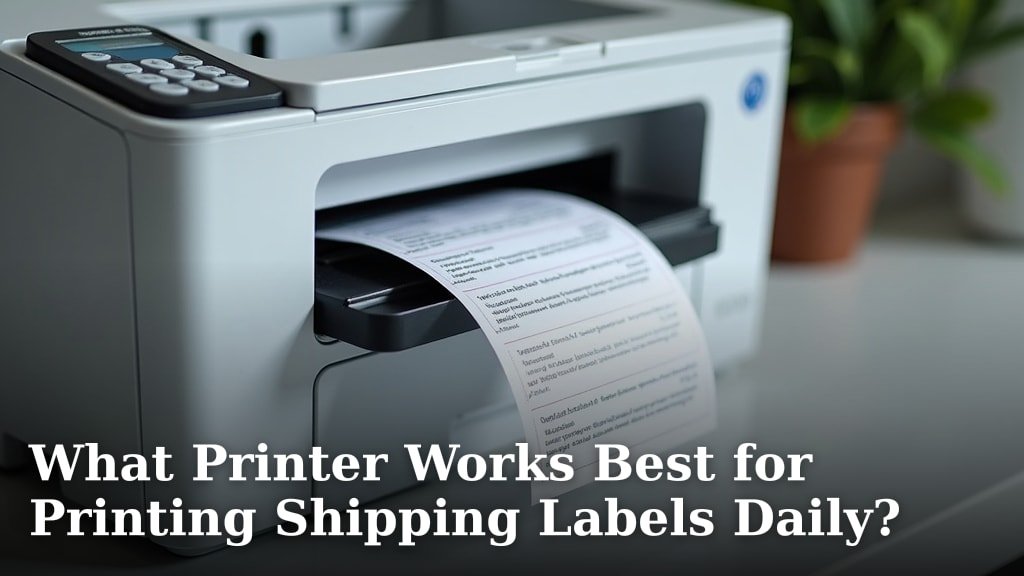
For repeated adhesive shipping labels, compare a dedicated option in our guide to what printer works best for printing shipping labels daily?.
How do you prevent a handheld inkjet printer from clogging?
Cap the cartridge when the printer is not in use, keep the print head clean according to the instructions and avoid leaving ink exposed. The BENTSAI BT-HH6105B2 specifically calls for its protective cap to help prevent clogs.
Test the print path on scrap material before marking finished packages.